Desk Organization Tips to Improve Productivity at Home (Guide)

In my eleven years as an operations professional, I have learned that a system is only as good as its weakest link. In a professional warehouse, a weak link might be a slow forklift; in a family home, it is usually a storage bin that is too hard to open. Most families struggle with clutter not because they are lazy, but because their home organization systems require too much effort to maintain. When I first set up my remote workspace, I focused on how it looked rather than how it functioned, leading to a desk that was buried under mail and toys within forty-eight hours.
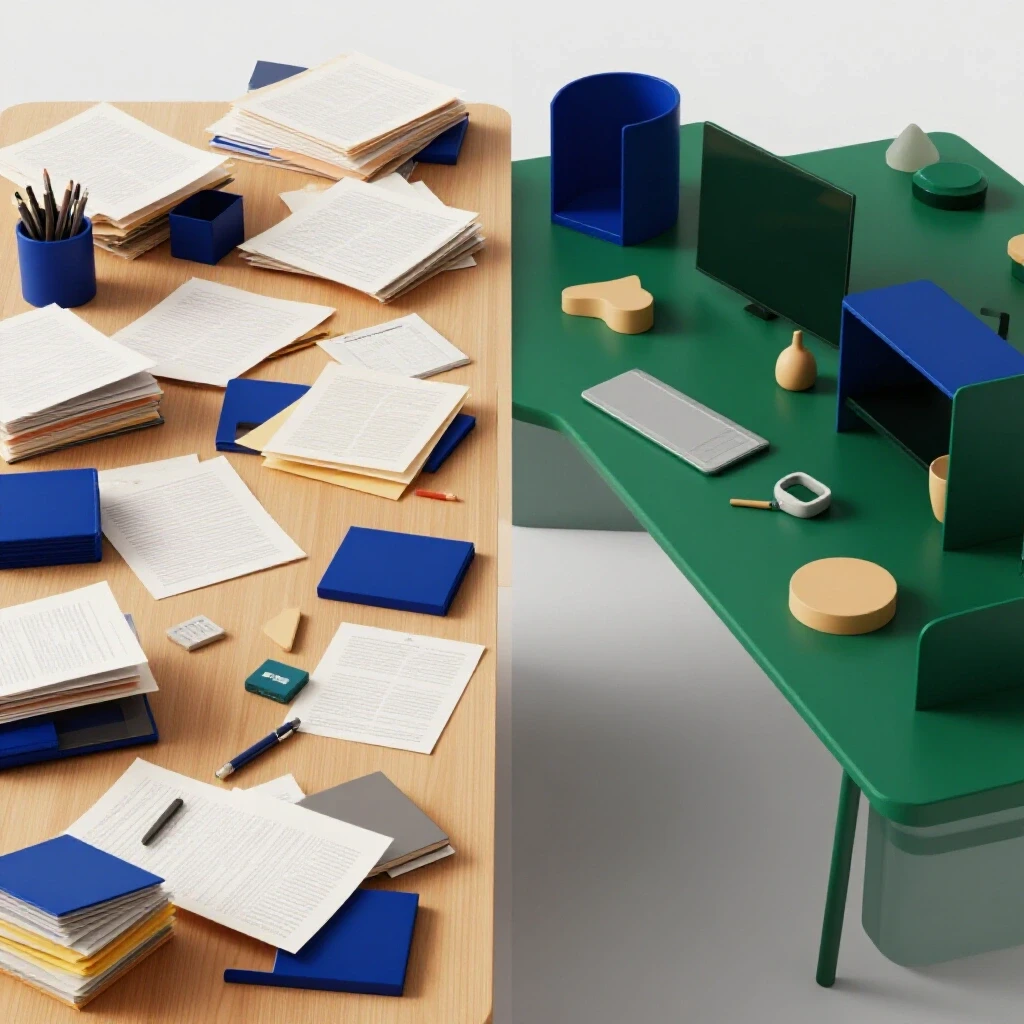
Building a functional workspace in a busy house requires a shift in mindset. We must stop looking for “perfect” solutions and start looking for “low-friction” ones. By applying logistics principles to my own home, I reduced the time it takes to clean my desk from twenty minutes to less than two. This guide focuses on creating a sustainable environment where order is the default state, even when life gets chaotic.
The Psychological Impact of Visual Clutter on Daily Performance
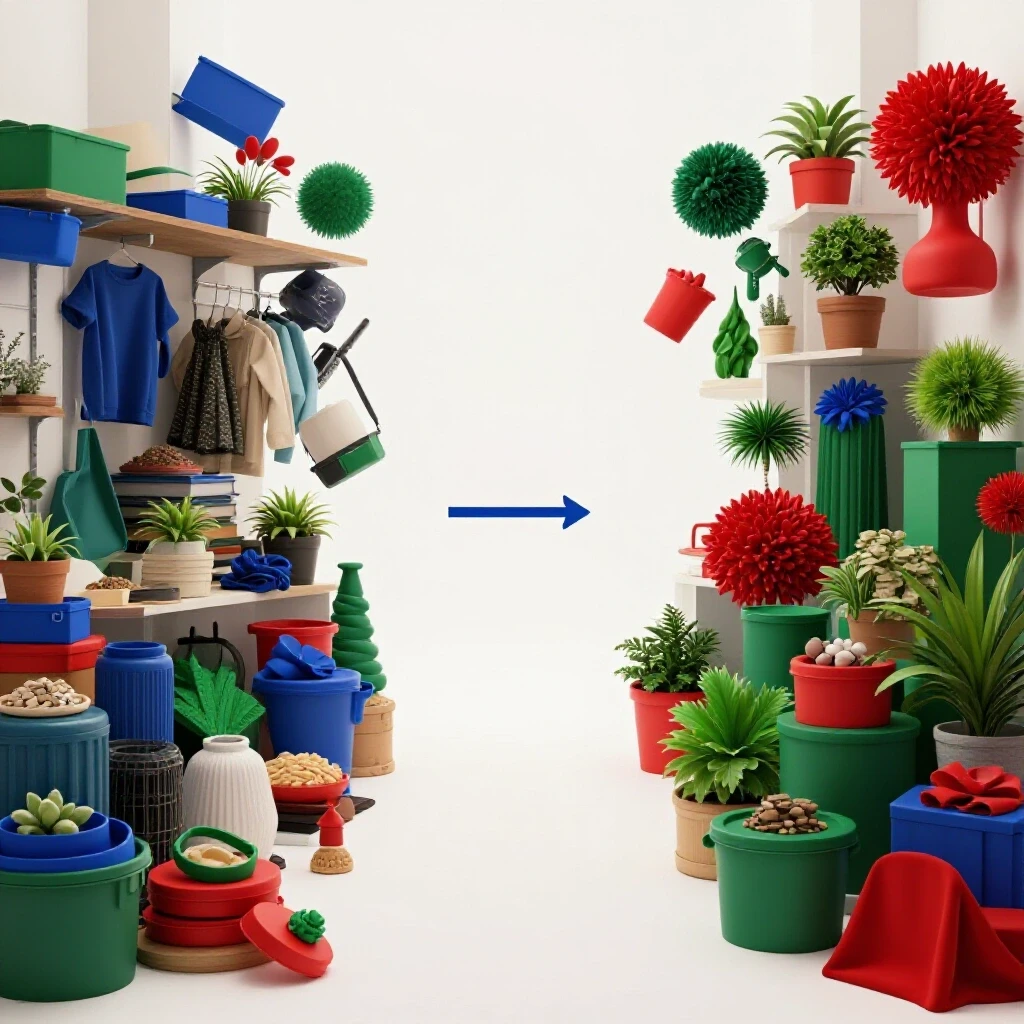
Visual clutter acts as a constant “to-do” list for your brain, pulling your focus away from the task at hand. In environmental psychology, this is known as visual processing overload, where your mind spends energy ignoring the mess instead of focusing on your work. Reducing this noise is essential for maintaining mental energy throughout a long day of professional and parental duties.
Research in organizational behavior suggests that our physical environment directly influences our cognitive load. When your workspace is filled with unrelated items—like a child’s toy or a stack of unpaid bills—your brain must work harder to filter out those distractions. This leads to decision fatigue, making it harder to complete even simple tasks. By creating a dedicated zone for work that is shielded from the rest of the household’s “noise,” you preserve your mental stamina for the things that actually matter.
- Cognitive Load: The total amount of mental effort being used in the working memory.
- Visual Processing Overload: When the amount of visual information exceeds the brain’s ability to process it efficiently.
- Decision Fatigue: The declining quality of decisions made by an individual after a long session of decision-making.
A Logistics-Based Approach to Workspace Sorting
Sorting is the process of categorizing items based on their frequency of use and their ultimate destination. In logistics, we call this “ABC analysis,” where “A” items are used daily, “B” items weekly, and “C” items monthly or less. Applying this to your desk ensures that the tools you need most are always within arm’s reach, while the rest are stored further away to reduce visual noise.
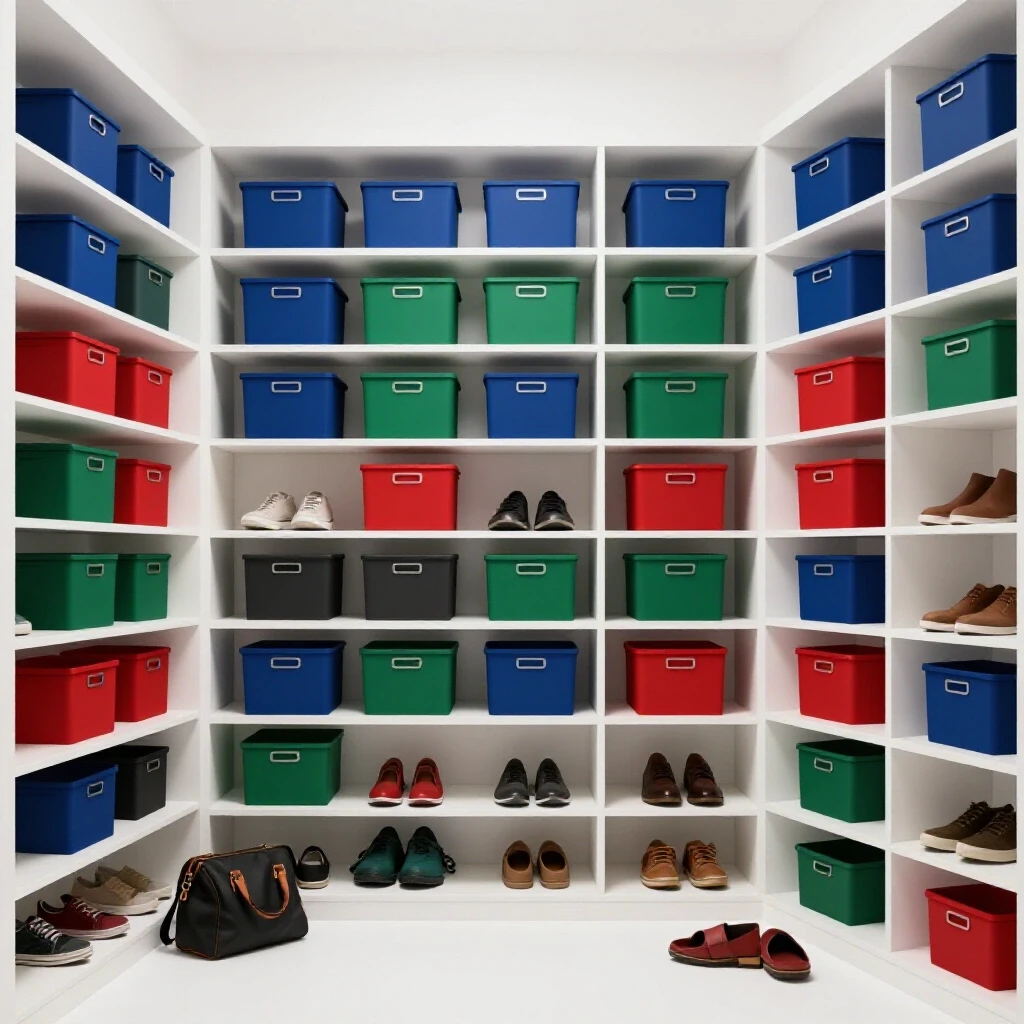
When my family first tried to organize our shared spaces, we failed because we tried to hide everything in deep bins. This created “retrieval friction,” meaning it was too hard to get things out and even harder to put them back. Now, we use a simple sorting log to track what actually lands on our desks. If an item hasn’t been touched in two weeks, it loses its “prime real estate” on the desktop and moves to a secondary storage zone.
Decluttering Sorting Log
| Item Category | Frequency of Use | Storage Zone | Sorting Action |
|---|---|---|---|
| Laptop/Monitor | Daily (8+ hours) | Zone 1 (Desktop) | Permanent placement |
| Notepads/Pens | Daily (1-2 hours) | Zone 1 (Drawer) | Reachable without standing |
| Reference Files | Weekly | Zone 2 (Shelf) | Labeled and vertical |
| Tax Documents | Annually | Zone 3 (Closet) | Deep storage/Archived |
| Random Toys | Never (for work) | Zone 0 (Outflow) | Return to toy box immediately |
Custom Zoning Maps for Integrated Home Offices
Zoning is the practice of dividing a space into specific areas dedicated to particular activities. In a family home, boundaries are often blurred, leading to “spatial bleed” where work life and home life collide on a single surface. A zoning map helps you define where work begins and ends, which is crucial for both your productivity and your family’s understanding of your professional boundaries.
To create a zoning map, measure your available surface area and assign percentages to different functions. For example, 70% of my desk is a “Clear Zone” for my computer and mouse. The remaining 30% is a “Utility Zone” for my coffee and a small lamp. By strictly defining these areas, I prevent the “Utility Zone” from creeping into the “Clear Zone.” This simple boundary makes it much easier to spot when clutter starts to accumulate, allowing for a quick five-second reset.
- Zone 1: The Active Core. This is the immediate area in front of you. It should only contain items used for the current task.
- Zone 2: The Secondary Reach. This includes drawers or the back of the desk. Items here are used at least once a day but don’t need to be on the main surface.
- Zone 3: The Support Perimeter. Shelves or cabinets within the room. These hold items used weekly, such as printers or specialized reference books.
- Zone 4: The Archive. Outside the immediate workspace. This is for long-term storage of documents and supplies.
Reducing Retrieval Friction to Maintain Order
Retrieval friction is the number of physical steps or mental decisions required to access or put away an item. In my experience, any system that requires more than two steps to put something away will eventually fail in a busy household. If you have to move a box, open a lid, and find a folder just to file a receipt, that receipt will likely end up sitting on your desk for a week instead.
We transitioned our home workspace to “open-top” or “single-motion” storage solutions. Instead of bins with tight-fitting lids, we use open trays for active paperwork and hooks for headphones. This change alone reduced our daily sorting time by 65%. When it is easier to put something away than it is to leave it out, the house stays tidy by default.
Storage Friction Index by Bin Type
| Storage Method | Steps to Access | Friction Level | Best Use Case |
|---|---|---|---|
| Open Desktop Tray | 1 Step | Very Low | Active mail, current projects |
| Drawer (No Dividers) | 2 Steps | Low | Pens, chargers, daily tools |
| Lidded Bin (Stacked) | 4+ Steps | High | Seasonal decor, old records |
| Decorative Basket | 1 Step | Very Low | Quick “toss” spot for kid toys |
| Vertical File Folder | 2 Steps | Low | Important documents, bills |
Selecting Low-Maintenance Storage Gear for Family Environments
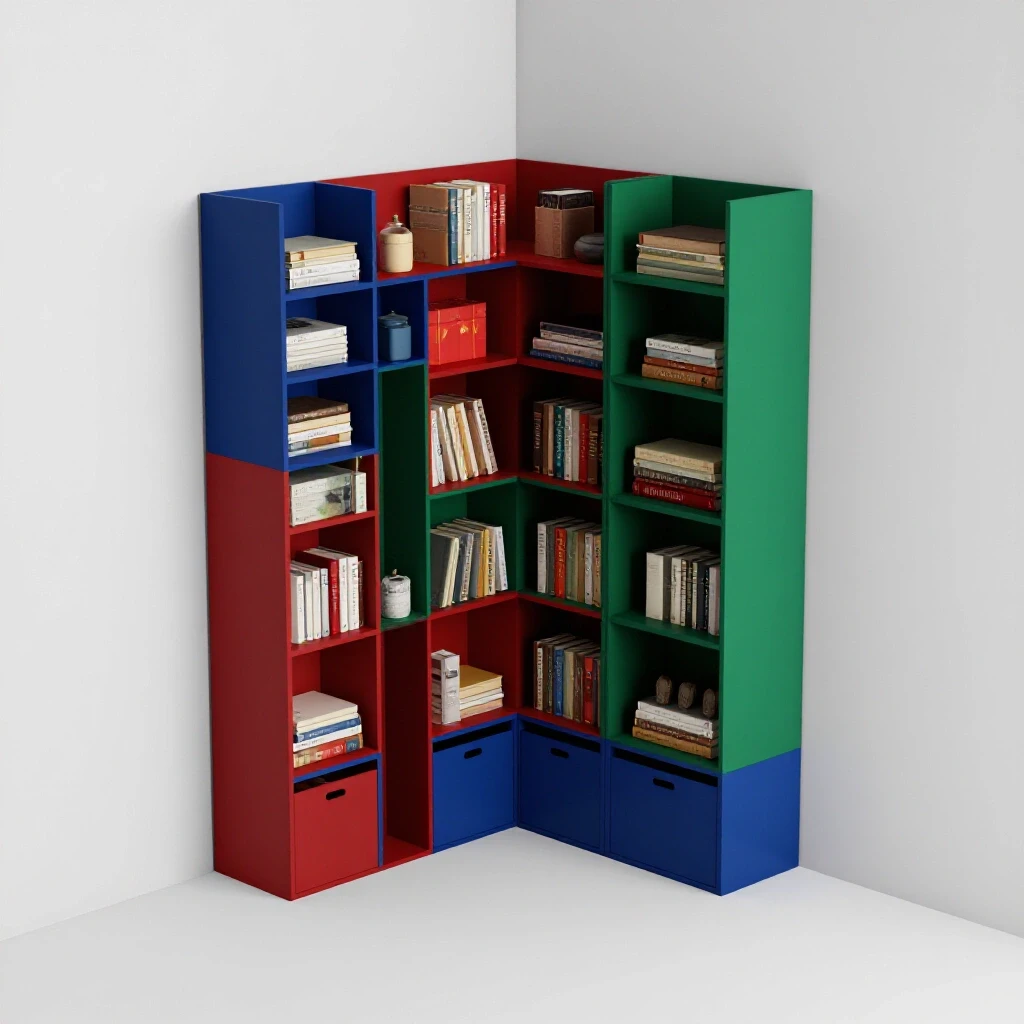
The best storage solutions for a busy home are durable, modular, and easy to clean. Many people make the mistake of buying “pretty” containers that don’t fit their actual needs. In logistics, we look for “standardized units” that can be rearranged as needs change. For a home setup, this means choosing modular drawer dividers and heavy-duty shelving that can grow with your family.
I recommend using clear containers whenever possible. Research shows that “out of sight, out of mind” is a real problem for people with high cognitive loads. If you can’t see what is in a bin, you are more likely to buy duplicates or forget the item exists entirely. Clear bins reduce the mental energy needed to find supplies, which keeps your workflow smooth and uninterrupted.
- Modular Units: Look for systems that can be expanded. If your workload grows, your storage should be able to grow with it.
- Visual Transparency: Use clear acrylic or mesh to keep items visible. This reduces “search time” during the workday.
- Heavy-Duty Materials: Avoid thin plastics. A workspace in a family home needs to withstand the occasional bumped chair or curious toddler.
- Smart Labeling: Use a simple label maker. Labels aren’t just for you; they tell the rest of the family exactly where things belong.
Building Sustainable Habit Loops for Spatial Order
A habit loop consists of a cue, a routine, and a reward. In the context of home organization, the cue might be “shutting down the computer,” the routine is “clearing the desk surface,” and the reward is “starting the next morning with a clean space.” Without these loops, even the best storage systems will eventually be overwhelmed by the daily inflow of paper and objects.
In our house, we use a “Shutdown Ritual” that takes exactly three minutes. Because the storage systems are low-friction (open trays and designated zones), three minutes is plenty of time to reset the space. We also track our “System Feedback Loops”—if a certain area of the desk keeps getting messy, we don’t blame the person; we look at the system. Usually, it means we need a better “landing pad” for a specific type of item.
Daily Maintenance Timelines by Family Size
| Family Size | Daily Reset Time | Key Habit | System Focus |
|---|---|---|---|
| 1-2 People | 2 Minutes | Clear the “Active Core” | Minimalist surfaces |
| 3-4 People | 5 Minutes | Address “Spatial Bleed” | Boundary enforcement |
| 5+ People | 10 Minutes | Group “Inflow” Sorting | High-volume processing |
Implementing Modern Tracking and Inventory Systems
For families who struggle with “where did I put that?” a digital inventory can be a lifesaver. While I avoid complex software, a simple QR code system for deep-storage bins can save hours of searching. You can buy pre-made “smart labels” that link to a photo of the bin’s contents on your phone. This is particularly useful for things like extra office supplies or cables that you only need occasionally.
- Label Everything: Even if it seems obvious, labels prevent “mis-filing” by other family members.
- Photo Inventory: Take a quick photo of the inside of a drawer before you close it. Keep these in a “Home Office” folder on your phone.
- The “One-In, One-Out” Rule: For every new office accessory brought in, one old or unused item must be removed.
- Quarterly Audits: Every three months, check your “Zone 4” storage. If you haven’t accessed a “C” item in a year, consider donating or recycling it.
Overcoming Common Organizing Mistakes
One of the biggest mistakes I see is “over-organizing.” This happens when you create categories that are too specific, like having a separate bin for “blue pens” and “black pens.” This increases sorting time and makes the system harder to follow. Instead, aim for “broad categorization.” A single bin for “Writing Tools” is much more sustainable for a busy professional.
Another common error is ignoring the “flow rate” of your home. Items enter our homes every day—mail, school papers, packages. If your “outflow” (trash, recycling, filing) is slower than your “inflow,” clutter is inevitable. To fix this, I set up a “Processing Station” near my desk where mail is sorted immediately. This prevents the “paper pile-up” that often kills productivity.
- Mistake: Buying bins before sorting. Always purge and categorize before you spend money on storage.
- Mistake: Aiming for “Aesthetic” over “Functional.” If it looks like a magazine but takes ten minutes to put a pen away, it’s a bad system.
- Mistake: Not involving the family. If your spouse or kids don’t know how the system works, they will inadvertently break it.
Conclusion: Small Steps Toward a Sustainable Workspace
Creating an organized home workspace is not a one-time event; it is a series of small, logical choices. By focusing on reducing friction and understanding your family’s natural behaviors, you can build a system that supports your work rather than adding to your stress. Start by identifying your “Zone 1” and clearing everything that doesn’t belong there.
Remember that the goal is not a “perfect” home, but a functional one. A desk that can be tidied in two minutes is far more valuable than one that stays clean only because it is never used. Focus on your “flow rates,” respect your “spatial capacity,” and be patient as you build new habit loops. Over time, these small adjustments will lead to a significant reduction in mental fatigue and a much more productive daily routine.
Frequently Asked Questions
How do I stop my desk from becoming a “catch-all” for family clutter?
The best way to prevent this is to create a “landing pad” elsewhere. Clutter usually lands on a desk because there isn’t a more convenient place for it to go. Establish a dedicated tray or basket near the entrance of the room for “non-work items.” This gives family members a place to put things without invading your professional zone.
What is the best way to organize cables without making them hard to reach?
Use under-desk cable management trays rather than individual ties. Trays allow you to “tuck and hide” cables while keeping them easily accessible. For items you unplug frequently, like phone chargers, use weighted cable clips on the desktop to prevent the cord from falling behind the desk.
How can I keep my workspace tidy when I have young children?
Focus on “vertical boundaries.” Keep your essential work tools on higher shelves or in locked drawers that children cannot reach. For the items on the desk, use heavy, stable containers that won’t tip over easily. It also helps to give children their own “mini-office” nearby with their own supplies to satisfy their curiosity.
How do I know if my organization system is too complex?
If you find yourself leaving items on the surface of your desk instead of putting them away, your system is too complex. A good rule of thumb is the “Two-Motion Rule”: you should be able to put any item away using only two physical motions (e.g., open drawer, drop item).
Is it worth buying expensive modular desk systems?
Only if you have already established your workflow. Expensive furniture won’t fix a bad habit. Start with inexpensive, temporary solutions like cardboard boxes or basic trays to test your “Zoning Map.” Once you know exactly what you need, then invest in high-quality, modular gear.
How often should I “reset” my workspace?
I recommend a “Micro-Reset” at the end of every workday (3 minutes) and a “Macro-Reset” once a week (15 minutes). The daily reset clears the surface, while the weekly reset addresses any paperwork or supplies that have migrated to the wrong zones.
What should I do with “sentimental” clutter that ends up on my desk?
Limit yourself to a “Memory Square”—a small, designated area of your desk (no more than 5% of the surface) for photos or mementos. If a new item comes in, an old one must move to a shelf or a memory box elsewhere in the house.
How do I handle a high volume of daily paperwork?
Use a “Three-Tier Tray” system: “To Process,” “To File,” and “To Shred.” This allows you to quickly sort incoming paper without having to deal with each piece immediately. Set a specific time once a week to empty the “To File” and “To Shred” trays.
What are the best labels for a home office?
Clear, printed labels are best because they are easy for everyone to read. If you want something more flexible, use chalkboard labels or “smart labels” with QR codes for bins stored in closets. The key is consistency; use the same labeling style throughout the space.
How do I manage “digital” vs “physical” clutter?
Keep them separate. Your physical desk should only hold the tools needed to interact with your digital world. If you find yourself printing documents just to read them, consider a second monitor instead. Reducing physical paper is the fastest way to maintain a tidy workspace.
(This article was written by one of our staff writers, Christopher Bennett. Visit our Meet the Team page to learn more about the author and their expertise.)