How to Replace a Kitchen Light Switch Safely (Step-by-Step Guide)

Discussing upgrades to a kitchen often centers on large-scale changes like new countertops or cabinetry. However, the smaller, tactile elements we interact with dozens of times a day often have the most significant impact on our daily routine. Swapping out a worn or outdated single-pole toggle is a functional improvement that enhances both safety and the visual flow of the room.
In my 12 years of managing facilities and maintaining my own homes, I have learned that even the simplest electrical tasks require a disciplined approach. I remember a Saturday morning during my first home renovation when I assumed a quick component swap would take ten minutes. I didn’t have a voltage tester handy and relied on the breaker label alone. That was a mistake. The previous owner had mislabeled the panel, and I received a sharp reminder that electrical work demands verification, not assumptions. This guide is built on those real-world lessons, focusing on a standard single-pole setup where one switch controls one light fixture.
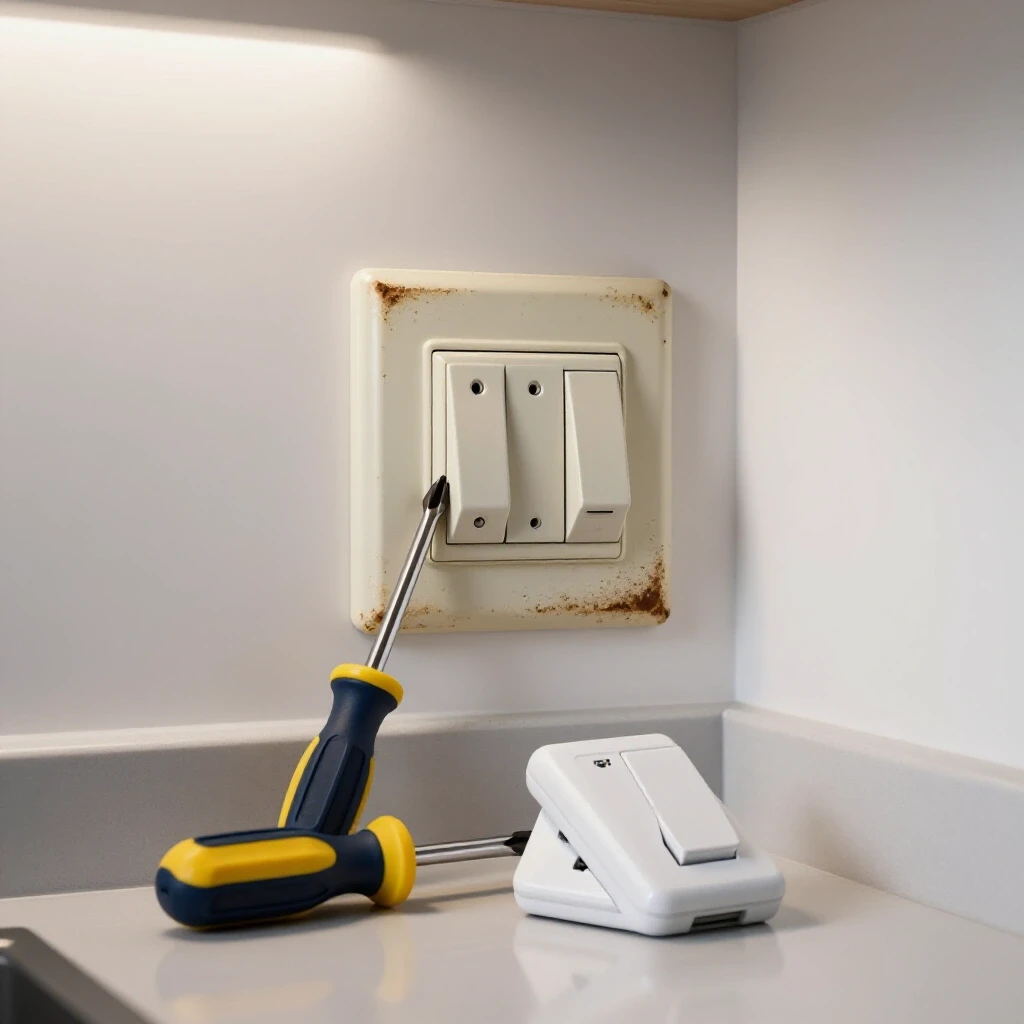
Understanding the Standard Single-Pole Toggle
A single-pole toggle is the most common type of wall control used to manage power to a single light or outlet from one location. It features two brass-colored terminal screws for the hot wires and a green screw for the grounding wire. Understanding this basic layout is the first step toward a successful and safe installation.
When you look at the back of a standard unit, you will notice it does not have “on” or “off” markings on the internal body, but the external lever does. This device works by either completing or breaking the path of the “hot” wire. Interestingly, in a standard single-pole configuration, the neutral (white) wires usually bypass the switch entirely, connected with a wire nut in the back of the box. My experience in facility maintenance has shown that identifying these wires before disconnecting anything is the best way to prevent a mid-project crisis.
Project Difficulty and Time Estimates
| Metric | DIY Reality | Professional Comparison |
|---|---|---|
| Active Labor Time | 45 – 60 Minutes | 15 – 20 Minutes |
| Total Weekend Block | 2 Hours (including setup/cleanup) | N/A |
| Material Cost | $5 – $15 | $75 – $150 (Service Call) |
| Skill Level | Beginner to Intermediate | Licensed Professional |
| Risk Factor | Moderate (Electrical Shock) | Low (Insured) |
Essential Gear for Electrical Component Swaps
Having the right tools is the difference between a controlled upgrade and a frustrating afternoon of stripped screws and damaged wires. For this task, you need specific hand tools designed for electrical work that allow for precision and safety. Using the wrong screwdriver can ruin the terminal heads, making it nearly impossible to tighten the connections.
- Non-Contact Voltage Tester: This is a pen-shaped device that senses electrical fields. It chirps or lights up when held near a live wire. I never start a project without one.
- Digital Multimeter: While a tester tells you power is present, a multimeter measures the exact voltage. It is useful for verifying that your circuit is truly dead before you touch any metal parts.
- Wire Strippers/Crimpers: These have notched holes sized for different wire gauges (usually 12 or 14 AWG for kitchens). They allow you to remove insulation without nicking the copper.
- Insulated Screwdrivers: A #2 Phillips and a medium flat-head are standard. Insulated handles provide an extra layer of protection against accidental contact.
- Needle-Nose Pliers: These are essential for bending the “J-hook” or “C-loop” at the end of the wire to fit around the terminal screws.
Safety Protocols and Power Management
Safety in electrical DIY is about redundancy and verification to prevent accidental contact with live current. Before any tools touch the wall plate, you must establish a “zero-energy state” in the work area. This involves more than just flipping a switch; it requires managing the source of the power at the main service panel.
I always recommend the “one-hand rule” when working near potentially live components: keep one hand in your pocket. This prevents a path for electricity to travel through your chest if you accidentally touch a live wire. Furthermore, always check your voltage tester on a known live outlet (like a lamp that is turned on) before using it to verify the kitchen circuit is off. If the tester doesn’t work on the live outlet, the batteries might be dead, and it cannot be trusted to tell you the kitchen wires are safe.
The Verification Checklist
- Identify the correct breaker at the panel.
- Flip the breaker to the “Off” position.
- Attempt to turn the kitchen light on at the wall.
- Use a non-contact voltage tester on the exterior of the faceplate.
- Remove the faceplate and test the wires inside the box before touching them.
Step-by-Step Removal of the Old Toggle
Removing the existing hardware requires a methodical approach to ensure you do not damage the wires tucked inside the wall box. Over time, heat and age can make wire insulation brittle, so handling the conductors with care is vital. If the wires are too short, you may have difficulty reconnecting the new unit later.
First, unscrew the wall plate and set it aside. Slowly unscrew the two long mounting screws holding the device to the electrical box. Once the screws are out, gently pull the unit forward by the metal mounting ears. Do not yank it. As a result of years of being tucked away, the wires will likely be stiff. Use your voltage tester one last time on the side terminals to confirm no power is present.
Once confirmed, observe the wiring. On a single-pole unit, you will typically see two black (or one black and one red) wires attached to the brass screws and a bare copper or green wire attached to the green screw. I find it helpful to take a photo of the wiring at this stage. This provides a visual reference if you get confused later. Unscrew the terminals and straighten the wire ends slightly to slide them off.
Wiring and Reinstalling the New Unit
Installing the new component involves creating secure mechanical connections that will last for years of daily use. A loose connection is a fire hazard because it can cause electrical arcing, which generates intense heat. Ensuring the wire is wrapped correctly around the screw is the most critical part of this phase.
Before connecting, inspect the ends of the wires. If the copper is dark, corroded, or nicked, use your wire strippers to cut back to fresh copper and strip about 3/4 of an inch of insulation. Use your needle-nose pliers to create a semi-circle loop at the end of each wire.
The “Clockwise” Rule for Terminals
When placing the wire loop over the terminal screw, always ensure the loop opens to the right (clockwise). As you tighten the screw, the rotation of the screw head will pull the wire loop tighter around the shaft. If you loop it counter-clockwise, the act of tightening the screw will push the wire out, resulting in a weak and dangerous connection. Tighten the screws until they are snug, then give them an extra quarter turn. There should be no insulation trapped under the screw head, and no excessive bare copper showing past the side of the device.
Finishing Touches and Aesthetic Integration
The final assembly is where the project transitions from a functional repair to an aesthetic upgrade. How you fold the wires back into the box determines how flush the switch sits against the wall. If the wires are bunched up directly behind the device, the switch will feel “spongy” or sit crooked, which ruins the professional look you are aiming for.
Gently fold the wires in an “S” or accordion pattern into the back of the box. This creates space for the body of the switch to sit deep. Push the device into place and hand-tighten the mounting screws. Before fully tightening, use a small torpedo level to ensure the toggle is perfectly vertical. Once level, tighten the mounting screws until the ears of the device are snug against the wall or the box.
Finally, attach the wall plate. Many DIYers over-tighten the plate screws, which can crack the plastic. Turn the screw until it touches the plate, then give it just enough of a turn to align the slot vertically. This small detail is a hallmark of a high-quality installation.
Troubleshooting and Quality Control
Even with careful planning, you might encounter issues once the power is restored. Troubleshooting is a process of elimination that starts with the most obvious points of failure. If the light does not turn on, the first place to check is the breaker. If the breaker tripped immediately upon being turned back on, there is a short circuit, likely caused by a bare wire touching the side of a metal box or another wire.
Another common issue is a “floating” switch that moves when you toggle it. This usually happens because the electrical box is recessed too far into the wall. In these cases, you can use plastic spacers (often called “caterpillars”) on the mounting screws to bridge the gap between the box and the switch ears. This provides a solid base so the switch stays firm.
Quality Control Checklist
- Mechanical Check: Does the toggle move freely without rubbing against the wall plate?
- Physical Check: Is the device firm and not wobbling when pushed?
- Visual Check: Is the wall plate level and flush against the wall surface?
- Functional Check: Does the light turn on and off consistently without flickering?
FAQ
How do I know if I have a single-pole switch or a 3-way switch? A single-pole switch has only two terminal screws on one side (plus a ground screw) and controls a light from one location. If your light is controlled by two different switches in the room, you have a 3-way system, which requires a different type of hardware and wiring configuration.
What should I do if my wires are too short to reach the new switch? If the wires are too short to work with comfortably, you can add “pigtails.” This involves taking a 6-inch piece of the same gauge wire, connecting it to the existing wire with a wire nut, and then connecting the other end of the pigtail to the switch.
Does it matter which black wire goes on which brass screw? On a standard single-pole switch, it generally does not matter which “hot” wire goes to which brass screw. The switch simply acts as a gate that opens or closes the circuit. However, for consistency, many people place the power source wire on the bottom and the wire going to the light (the load) on the top.
Why is there no white wire attached to my switch? In most standard kitchen wiring, the white (neutral) wires are tied together with a wire nut in the back of the box and do not attach to the switch. The switch only needs to interrupt the “hot” (black) wire to stop the flow of electricity.
What happens if I don’t connect the green ground wire? The ground wire is a safety feature that provides a path for electricity to follow if a wire comes loose and touches the metal box or the switch frame. Skipping it increases the risk of electrical shock if a fault occurs. Always connect the ground wire.
Can I use a switch rated for 15 amps on a 20-amp circuit? It is a best practice to match the switch rating to the circuit breaker. If your kitchen is on a 20-amp breaker (common for modern kitchens), you should use a switch rated for 20 amps. Look for the rating stamped on the metal mounting strap of the device.
What if my wall box is plastic and doesn’t have a place for a ground wire? Even in a plastic box, the switch itself will have a green ground screw. You must connect the house’s ground wire (bare copper or green) directly to that green screw on the switch to ensure the device is grounded.
Why did the new switch come with a strip of tape around it? Some people wrap electrical tape around the side terminals of the switch after connecting the wires. This adds an extra layer of insulation, preventing the terminals from touching the sides of the box or your fingers during future maintenance. It is an optional but helpful safety step.
How can I tell if my wire is 12-gauge or 14-gauge? 12-gauge wire is thicker and typically used for 20-amp circuits, while 14-gauge is thinner and used for 15-amp circuits. Most wire strippers have holes labeled for both; the wire should fit snugly into the correct hole without the tool cutting into the copper.
The old switch had wires pushed into holes in the back instead of around screws. Is that okay? Those are called “push-in” or “stab-in” connectors. While common, they are generally considered less reliable than the side-screw terminals. I always recommend using the side screws for a more secure, long-term connection that can handle the vibrations of daily use.
(This article was written by one of our staff writers, Robert Callahan. Visit our Meet the Team page to learn more about the author and their expertise.)