Standing Desk vs Sitting Desk: Which Is Better for Back Pain? (Guide)

Imagine a home office where the furniture does more than just hold a computer. Picture a workspace that feels like a natural extension of your body, where the materials are warm to the touch and the mechanics move with a silent, fluid precision. For over a decade, I have spent my career dissecting the supply chains of high-end home materials, from the porosity of marble to the wear-layers of luxury flooring. When I turned my analytical lens toward my own workspace, I realized that the choice between a traditional seated surface and a height-adjustable system was one of the most critical material investments I could make for my long-term physical health.
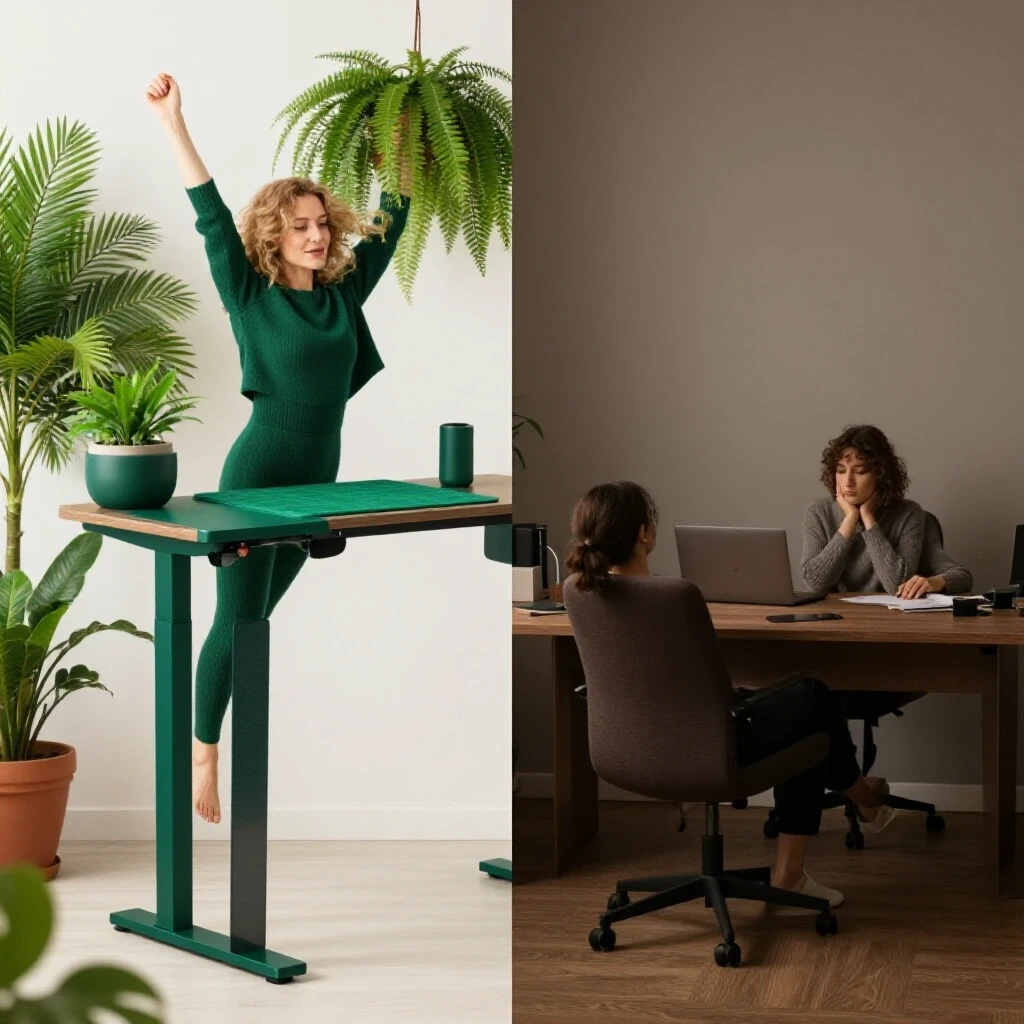
Evaluating Surface Materials for Dynamic Workspaces
Selecting the right desktop material involves weighing density, moisture resistance, and weight-bearing capacity to ensure the lifting mechanism operates smoothly over time. The material you choose for your work surface dictates not only the aesthetic of the room but also the mechanical load on the desk’s structural frame.
In my years of property renovation, I have seen how material weight impacts hardware longevity. A solid 1.5-inch thick walnut slab is beautiful, but its density requires a high-torque motor system if you opt for an adjustable frame. Conversely, a lighter bamboo composite offers high tensile strength with less strain on the lifting columns. When I built my current home office, I tested three different wood species for their “flex” under the weight of dual monitors and a heavy printer.
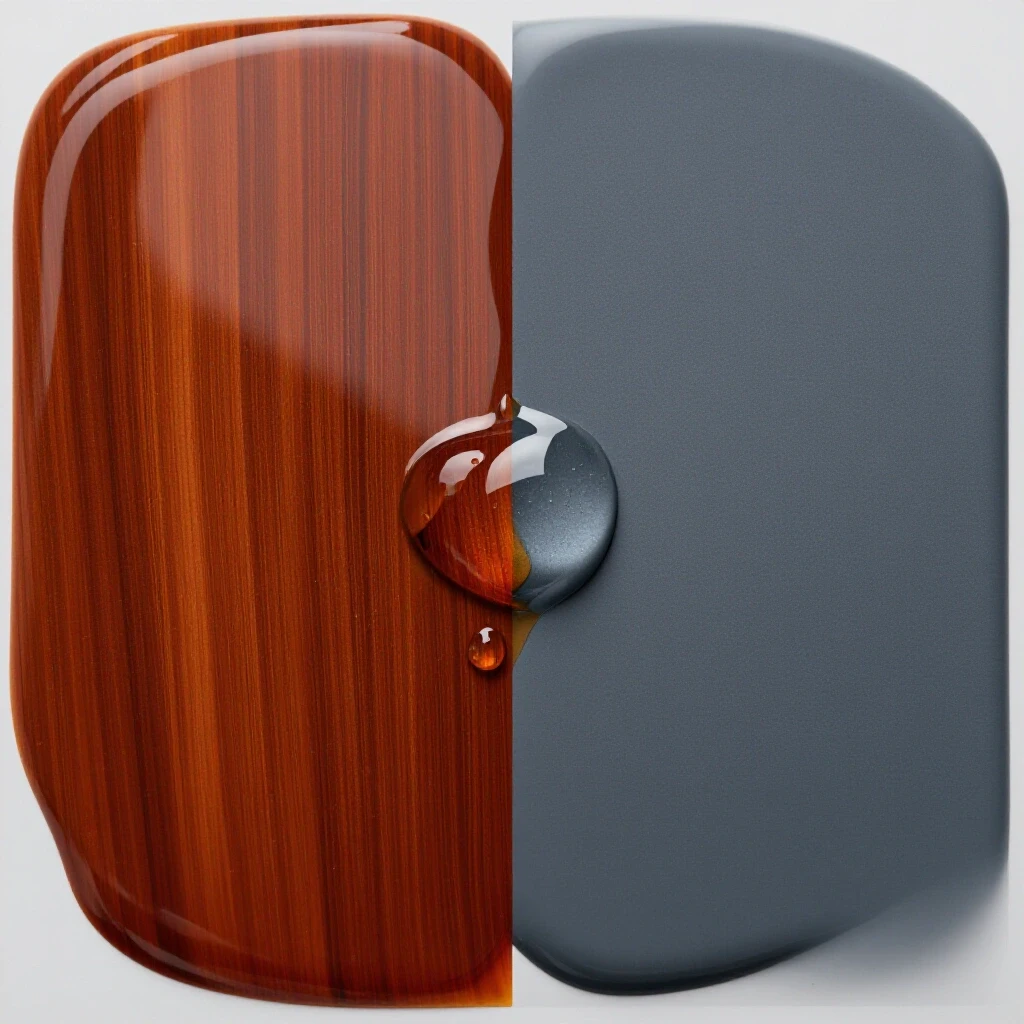
- Solid Hardwood: Offers the highest durability and can be refinished, but it is prone to expansion and contraction based on humidity.
- High-Pressure Laminate (HPL): Highly resistant to scratches and stains, making it a low-maintenance choice for active households.
- Bamboo Composites: Sustainable and surprisingly hard, often exceeding some hardwoods on the Janka scale.
The Importance of Surface Thickness and Rigidity
Thickness, usually measured in millimeters or inches, determines the desk’s resistance to bowing under the weight of monitors and hardware. A surface that is too thin will sag over time, leading to misalignment of the desk’s lifting legs and potential mechanical failure.
I generally recommend a minimum thickness of 25mm (approximately 1 inch) for any workspace spanning more than 60 inches. In my own evaluation, I found that a 30mm oak top provided the necessary rigidity to prevent “monitor shake” when I transitioned from a seated to a standing position. This stability is crucial for maintaining focus and reducing eye strain.
Mechanical Reliability vs. Static Simplicity
This comparison looks at the trade-off between the simple, maintenance-free nature of a traditional four-legged desk and the complex motor-driven systems of adjustable units. While a static desk has a lower upfront cost, it lacks the ergonomic flexibility that can prevent long-term physical discomfort.
Building on this, the “cost per use” of an adjustable desk becomes much more attractive when you factor in the reduction of back tension. Interestingly, a static desk often requires the purchase of additional ergonomic accessories, like monitor arms or keyboard trays, to achieve a fraction of the comfort offered by a height-adjustable frame.
| Performance Metric | Traditional Seated Desk | Height-Adjustable Desk |
|---|---|---|
| Upfront Cost | Low to Moderate | Moderate to High |
| Moving Parts | 0 | 2–4 (Motors/Gears) |
| Maintenance | Dusting/Polishing | Lubrication/Recalibration |
| Weight Capacity | High (Static) | Variable (150–350 lbs) |
| Lifespan | 20+ Years | 5–15 Years (Electronics) |
Why Higher Upfront Costs Don’t Always Guarantee Durability
In the world of home materials, a higher price tag often reflects the finish rather than the internal engineering. For a desk that changes height, the value lies in the motor’s decibel rating and the thickness of the steel used in the legs.
I once purchased a high-end designer seated desk made of reclaimed wood. It was stunning, but within six months, the lack of movement options led to significant stiffness in my lower back. I eventually retrofitted the reclaimed top onto an industrial-grade motorized frame. This taught me that the “appliance” part of the desk—the motor—is just as important as the “material” part—the wood.
Analyzing the Impact on Posture and Physical Comfort
The core of the debate between sitting and standing is how the furniture supports the natural curvature of the spine. A fixed-height desk forces the body to adapt to the furniture, whereas an adjustable desk allows the furniture to adapt to the body.
During a three-year period of tracking my own physical comfort, I noted that alternating between sitting and standing every 45 minutes virtually eliminated the mid-afternoon “slump” and the dull ache in my lumbar region. This wasn’t just a feeling; my posture improved because I was no longer locked into a single position for eight hours.
- Seated Position: Encourages a 90-degree bend at the hips, which can tighten hip flexors over time.
- Standing Position: Promotes a neutral spine and engages the core and leg muscles.
- Transitioning: The act of moving between heights encourages blood flow and prevents muscle fatigue.
Technical Specifications of Ergonomic Alignment
To achieve a neutral posture, the desk height must be precise. For a person who is 5’10”, a seated height of 28 inches and a standing height of 43 inches are often the “sweet spots.” Traditional desks are often a standard 29 or 30 inches, which can be too high for many people, leading to shrugging shoulders and neck strain.
When evaluating a height-adjustable frame, look for a “dual-motor” system. These systems typically offer a higher travel speed (measured in inches per second) and a smoother transition. A smooth transition is not just about luxury; it prevents your coffee from splashing and keeps your equipment from vibrating during the move.
Sourcing and Installation Demands
Installing a high-quality adjustable workspace is more complex than assembling a standard table. It requires careful cable management and an understanding of load distribution to ensure the materials do not warp or fail under stress.
- Check the Frame Gauge: Look for at least 14-gauge steel for the legs to ensure lateral stability.
- Verify the Top’s Pilot Holes: If you are sourcing a custom wood top, ensure the pilot holes are drilled accurately to avoid splitting the grain.
- Assess the Power Supply: Motorized desks require a dedicated power outlet and should be protected by a high-quality surge protector.
- Weight Testing: Once assembled, distribute your equipment evenly to prevent one motor from working harder than the other.
The Role of Cable Management in Material Longevity
One often overlooked aspect of these dynamic systems is the tension placed on cables. If cables are too short, they can pull on ports or even tip over equipment when the desk rises. I use a flexible “snake” cable manager that expands and contracts with the desk. This protects both the electronics and the desk’s finish from being scratched by dragging wires.
Long-Term Maintenance and Life-Cycle Costing
A traditional desk requires almost zero maintenance beyond occasional wood conditioning. A height-adjustable desk is more like a home appliance; it requires periodic checks to ensure the legs are synchronized and the bolts remain tight.
As a supply chain analyst, I look at the “Total Cost of Ownership.” If a $800 adjustable desk lasts 10 years and prevents the need for physical therapy or expensive ergonomic chairs, the return on investment is significantly higher than a $300 static desk that contributes to physical discomfort.
- Annual Check-up: Tighten all hex bolts and check for any fraying in the power cords.
- Resetting the Controller: Most desks require a simple “reset” procedure (holding the down button) once or twice a year to keep the motors aligned.
- Surface Care: Use a non-abrasive cleaner. For solid wood tops, a fresh coat of wax or oil every 18 months will prevent drying and cracking.
Trade-Off Scoring Matrix for Workspace Selection
To help you decide, I have developed a scoring matrix based on my 13 years of material evaluation. Score each category from 1 to 5 to see which option fits your lifestyle.
| Category | Fixed Seated Desk | Height-Adjustable Desk |
|---|---|---|
| Ergonomic Flexibility | 1 | 5 |
| Ease of Assembly | 5 | 2 |
| Aesthetic Versatility | 4 | 3 |
| Mechanical Reliability | 5 | 3 |
| Back/Posture Support | 2 | 5 |
| Total Score | 17 | 18 |
While the scores are close, the height-adjustable option wins on health and flexibility, which are the primary concerns for most modern homeowners working from home.
Final Recommendations for Your Home Workspace
Choosing between these two styles is a balance of your budget and your body’s needs. If you are a homeowner who values longevity and has no history of back tension, a high-quality static desk made of premium materials like quartz or solid oak is a beautiful, permanent choice. However, if you spend more than four hours a day at your desk, the technical benefits of an adjustable system are undeniable.
My personal log of material performance shows that a hybrid approach is often best. Source a high-end, durable top—like a 1.25-inch thick birch butcher block—and pair it with a professional-grade motorized frame. This gives you the aesthetic of a custom piece of furniture with the technical performance of a modern ergonomic tool.
Actionable Next Steps
- Measure your current seated height: See if your shoulders are relaxed or hunched.
- Test the “Standing Test”: Prop your laptop up on a stack of boxes and work for one hour. Note if your back feels more or less fatigued.
- Evaluate your surface: If your current desk is bowing, it’s time to upgrade to a thicker material (at least 25mm).
- Budget for the frame: Allocate at least 50% of your budget to the lifting mechanism if you choose an adjustable desk.
Frequently Asked Questions
How much weight can a height-adjustable desk typically hold?
Most mid-range dual-motor frames are rated for 200 to 250 pounds. This includes the weight of the desktop itself. If you choose a heavy material like solid oak or granite, you must subtract that from the remaining capacity for your equipment.
Does a standing desk wobble more than a sitting desk?
Yes, by nature of the design. At higher elevations, the center of gravity shifts. To minimize this, look for frames with a “wedge” design at the leg joints or those made from heavy-gauge steel. A thicker, heavier top also helps dampen vibrations.
Can I use my existing desk top on a motorized frame?
In most cases, yes. As long as the top is at least 3/4 of an inch thick and not made of a hollow-core material (like some cheap particle board), you can screw it onto a new frame. Always check the screw length to ensure you don’t pierce the top surface.
What is the best material for a desk top if I want it to last 20 years?
Solid hardwood like maple, oak, or walnut is the gold standard. These can be sanded and refinished multiple times. For a more modern, industrial look, a thick piece of high-pressure laminate is also incredibly durable and resistant to the “rings” left by coffee mugs.
How often should I switch between sitting and standing?
The consensus among ergonomic specialists is the 20-8-2 rule: 20 minutes sitting, 8 minutes standing, and 2 minutes of moving or stretching. A height-adjustable desk makes this routine much easier to maintain than a static one.
Are motorized desks loud?
Most modern motors operate at under 50 decibels, which is quieter than a normal conversation. If you are in a shared space, look for “whisper-quiet” specifications in the technical data sheet.
Do I need a special mat for standing?
An anti-fatigue mat is highly recommended. It reduces the impact on your knees and ankles. From a material perspective, look for high-density polyurethane rather than cheap foam, as it won’t compress permanently over time.
What is the average lifespan of the electronics in an adjustable desk?
Most quality manufacturers offer a 5 to 10-year warranty on the motors and controller. In my experience, the electronics are the first thing to fail, so choosing a brand with a proven track record for replacement parts is essential.
Is it hard to hide wires on an adjustable desk?
It requires more planning. Because the desk moves, you need a “service loop”—extra length in your cables—so nothing gets unplugged. Using a cable tray attached to the underside of the desk is the most effective way to keep things tidy.
Does standing all day help with lower back discomfort?
Standing all day can be just as taxing as sitting all day. The benefit comes from the variety of movement. By changing heights, you shift the load between different muscle groups, which is what ultimately leads to better back results.
(This article was written by one of our staff writers, Andrew Morrison. Visit our Meet the Team page to learn more about the author and their expertise.)