How to Replace a Ceiling Fan Pull Chain Easily (Step-by-Step Guide)

The silence in my bedroom was heavier than the humid summer air. I reached for the brass bead chain, expecting that familiar mechanical click to kick the fan into high gear. Instead, I felt a sickening snap. The chain came away in my hand, limp and useless, while the fan motor hummed stubbornly at its lowest, most ineffective speed. It was a Sunday night, and I knew that without a fix, sleep would be impossible.
In my twelve years as a facilities manager, I have overseen large-scale HVAC repairs and complex electrical overhauls. However, home life has a way of humbling you with the smallest failures. This wasn’t a job for a contractor or a full fixture replacement. It was a test of patience and precision. I had to decide: would I spend $200 on a new fan, or would I spend $5 and thirty minutes fixing the internal switch? I chose the latter, relying on the same safety protocols I use at work to ensure the repair was code-compliant and durable.
Understanding the Mechanics of Internal Fan Switches
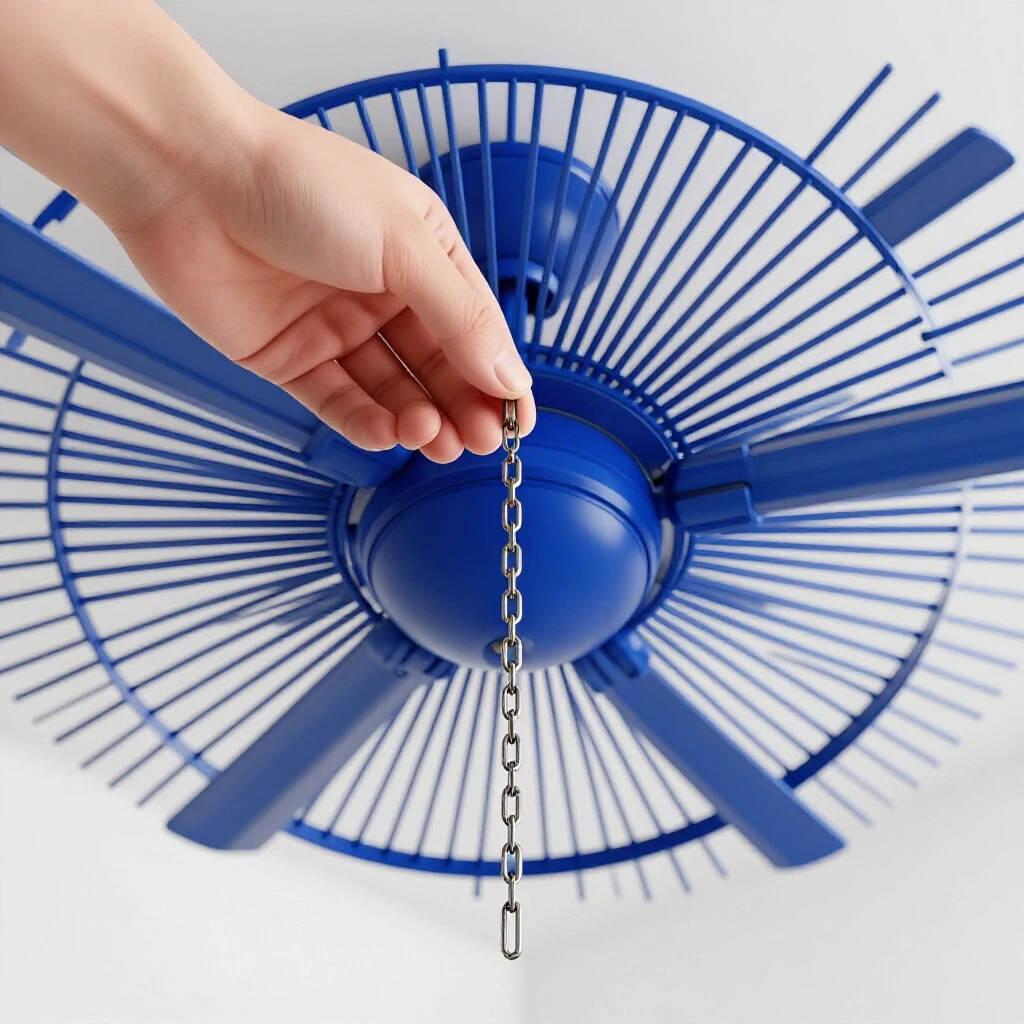
An internal fan switch is a small plastic or metal housing that controls the electrical flow to the motor or light kit. It uses a ratcheting mechanism to cycle through different circuit paths, allowing for multiple speeds or light settings.
When you pull the string, a spring-loaded wheel rotates inside the switch. Over years of use, the plastic casing can crack, or the internal copper contacts can become pitted from electrical arcing. Arcing occurs when electricity jumps across a small gap as the switch opens or closes, creating heat and wear. Most failures are mechanical, where the chain snaps off inside the housing, making it impossible to trigger the cycle.
Understanding how these components function is the first step in a successful weekend DIY project. You aren’t just “fixing a string”; you are restoring a specific electrical sequence. Most fans use a multi-wire configuration to regulate speed by engaging different capacitors. Knowing which wire goes where is the difference between a functional fan and a potential short circuit.
Essential Gear for Restoring Fan Control
A successful repair requires a specific set of hand tools designed for small-scale electrical work. Having these ready before you climb the ladder prevents the frustration of mid-project delays and ensures you can work safely and efficiently.
- Non-Contact Voltage Tester: This tool detects electrical fields without touching bare wires. It is your primary defense against accidental shocks.
- Precision Screwdriver Set: Many fan light kits use very small screws to hold the decorative housing in place.
- Wire Strippers: You will need these to clean up the ends of the leads on your new switch.
- Small Wire Nuts (Grey or Blue): These connectors are sized for the thin-gauge stranded wire typically found inside ceiling fan housings.
- Needle-Nose Pliers: Essential for reaching into tight spaces and pulling wires through the mounting hole.
- Step Ladder: Ensure it is stable and tall enough to reach the fixture without standing on the top cap.
| Tool Type | Essential vs. Optional | Purpose in This Project |
|---|---|---|
| Voltage Tester | Essential | Verifying the power is truly off at the fixture. |
| Wire Strippers | Essential | Preparing wire ends for secure connections. |
| Needle-Nose Pliers | Essential | Manipulating small wires in cramped housings. |
| Work Light | Optional | Illuminating the dark interior of the fan hub. |
| Multimeter | Optional | Testing continuity if the switch fails to work. |
Safety Protocols and Power Management
Safety in electrical DIY home improvement starts at the breaker box, not the wall switch. Following professional-grade safety standards ensures that you protect yourself and your home’s electrical integrity during the repair process.
Before touching the fan, go to your main electrical panel. Identify the circuit breaker for the room and flip it to the “off” position. I always place a piece of painters’ tape over the breaker to prevent anyone else in the house from accidentally flipping it back on while I am working. This is a simplified version of the “lockout-tagout” procedure we use in facilities management.
Once the power is off, return to the room and attempt to turn the fan on using the wall switch. Even if it doesn’t move, use your non-contact voltage tester near the fan’s canopy and light kit. If the tester glows or beeps, the circuit is still live. Never assume a wall switch is enough; many fans are wired with a “hot” lead that remains energized even when the switch is off.
Identifying the Correct Replacement Switch
Not all pull-chain mechanisms are created equal, and choosing the wrong one is a common point of failure. You must match the wire count and the internal switching logic to your specific fan model.
Most fans use one of three types of switches: * Two-Wire Switch: Typically used for simple “on/off” functions, such as the fan light. * Three-Wire Switch: Often found in older or single-speed fans. * Four-Wire Switch: The most common for three-speed fans. It has one “L” (Line/Power) terminal and three numbered terminals (1, 2, and 3) for the different speeds.
Before buying a part, I recommend removing the old switch first. Look for a model number or a wiring diagram printed on the side of the plastic housing. Note the colors of the wires attached to each terminal. Manufacturer technical guides, such as those from Hunter or Casablanca, often specify the exact sequence. If your fan uses a 4-wire setup, the sequence might be L-1-2-3. Replacing this with a different sequence will result in the fan speeds being out of order or the motor humming without turning.
Step-by-Step Execution: Removing the Failed Component
The removal phase requires a delicate touch to avoid damaging the thin wires that lead to the fan motor. This stage sets the foundation for a clean installation of the new part.
Start by removing the light globes and bulbs if your fan has a light kit. This reduces the weight and prevents accidental breakage. Most light kits are held on by three small screws around the perimeter of the housing. Support the kit with one hand as you remove the final screw. Once lowered, you will see a cluster of wires held together by wire nuts.
Locate the switch that has the broken chain. It is usually held in place by a threaded brass nut on the exterior of the fan housing. Unscrew this nut by hand or with pliers. Push the switch body into the housing. Carefully pull it down so you can see the wires. If the wires are attached via a “push-in” terminal, you may need a small jeweler’s screwdriver to release the tension. If they are hard-wired, you will need to snip them about an inch away from the switch body.
Preparing and Wiring the New Switch
Wiring is the most critical part of the project. A loose connection can cause heat buildup, while a mismatched wire can damage the fan’s capacitor or motor.
- Strip the Wires: Use your wire strippers to remove about 1/2 inch of insulation from the wires coming from the fan motor and the leads on your new switch.
- Match the Terminals: Refer to the notes or photos you took during removal. On a 4-wire switch, the “Line” wire (usually black or purple) goes to the “L” terminal. The remaining wires go to 1, 2, and 3 based on your specific fan’s wiring logic.
- Secure the Connections: Twist the ends of the wires together clockwise before applying the wire nut. This ensures a solid mechanical connection.
- Tug Test: Give each wire a gentle pull to make sure it is firmly seated inside the wire nut. If it slides out, redo the connection.
In my experience, the biggest mistake is rushing this stage. I once crossed the “high” and “medium” speed wires on a guest room fan. The result was a fan that moved so fast on the medium setting it started to wobble dangerously. Taking an extra five minutes to double-check the terminal markings against the manufacturer’s specs saves hours of troubleshooting later.
Reassembly and Housing Management
Tucking the wires back into the fan hub is like solving a puzzle. You must ensure no wires are pinched between the metal housing components, as this can lead to a short circuit over time.
Carefully fold the wires back into the center of the light kit or housing. Position the new switch so the pull-chain threaded portion sticks out through the hole in the side of the fan. Hand-tighten the decorative brass nut onto the threads. Once it is snug, give it a quarter-turn with pliers to ensure it doesn’t vibrate loose.
Before putting the light kit screws back in, check the “clearance margins.” Ensure that no wires are touching the rotating parts of the fan motor. Use small zip ties if necessary to keep the wiring bundle compact and centered. This is a standard practice in facility maintenance to prevent mechanical interference and noise.
Testing and Quality Control
The final testing phase confirms that your wiring is correct and the fan is safe to operate. This should be done systematically to catch any issues before you put your tools away.
Restore power at the breaker panel. Return to the fan and pull the chain once. The fan should start on its “High” setting. Pull it again for “Medium,” then “Low,” and finally “Off.” If the fan hums but doesn’t move, or if the speeds seem identical, turn the power back off immediately. This usually indicates a loose wire or a mismatched terminal connection.
Check for “switch drag.” The chain should pull smoothly without catching on the side of the hole. If there is resistance, the switch might be angled incorrectly inside the housing. Adjusting the internal position can prevent the new chain from snapping prematurely due to friction.
DIY vs. Professional Cost and Effort Analysis
For a busy professional, time is the most valuable currency. Understanding the ROI of doing this repair yourself helps justify the weekend effort.
| Factor | DIY Approach | Professional Service |
|---|---|---|
| Material Cost | $5 – $12 | $5 – $12 |
| Labor Cost | $0 | $125 – $200 |
| Time Investment | 45 – 90 Minutes | 2 – 4 Hour Appointment Window |
| Tools Required | Basic Hand Tools | Professional Grade |
| Risk Level | Low (with power off) | Minimal |
By completing this upgrade yourself, you save significant money and gain the satisfaction of maintaining your own home. The “tool investment ROI” is also high, as a good voltage tester and wire stripper will serve you for dozens of future safe home repairs.
Troubleshooting Common Failure Scenarios
Sometimes, even with careful planning, the repair doesn’t go as expected. Knowing how to diagnose these issues prevents frustration and keeps the project on track.
- The Chain is Hard to Pull: This often happens if the decorative nut is cross-threaded or if the switch is sitting at an odd angle. Loosen the nut and realign the switch.
- The Fan Only Works on One Speed: This indicates that the “Line” wire is connected correctly, but the speed leads (1, 2, or 3) are either loose or in the wrong order.
- The Light Works, but the Fan Doesn’t: These are usually two separate circuits. Check the wire nut connecting the fan’s main power lead.
- The New Switch Casing Cracks: This is a sign of over-tightening the mounting nut. These plastic housings are fragile; “snug” is better than “tight.”
If you encounter a situation where the wires inside the fan are charred or brittle, stop immediately. This suggests a larger electrical issue or a failing motor. In my 12 years of experience, I’ve learned that forcing a repair on damaged infrastructure is a recipe for disaster.
Long-Term Maintenance and Prevention
To ensure your new switch lasts for another decade, a few simple maintenance habits can make a significant difference.
Avoid “jerking” the chain. A smooth, downward pull puts the least amount of stress on the internal plastic ratchet. If the fan is high up, consider adding a longer extension chain so you aren’t pulling at an angle, which causes the chain to rub against the metal eyelet.
Periodically check the fan for balance. A wobbling fan creates vibrations that can loosen wire nuts and mounting hardware over time. If you notice a wobble, use a balancing kit (small weights) to stabilize the blades. This protects the internal electrical components from unnecessary mechanical stress.
Project Completion Checklist
Use this checklist to ensure your work meets safety and functional standards before calling the project finished.
- [ ] Power was verified “off” with a non-contact voltage tester.
- [ ] Replacement switch matches the wire count of the original.
- [ ] Wire nuts are the correct size for small-gauge stranded wire.
- [ ] All connections passed the “tug test.”
- [ ] No wires are pinched between housing components.
- [ ] The chain pulls smoothly without catching.
- [ ] All fan speeds (High, Medium, Low) function in the correct order.
- [ ] The work area is clean and all tools are accounted for.
Frequently Asked Questions
Can I use a 3-wire switch if my fan originally had a 4-wire switch? No. A 4-wire switch is designed for three speeds (High, Medium, Low) plus an “Off” position. A 3-wire switch will not have the correct internal logic to cycle through all the speed capacitors in your fan motor. Using the wrong switch can cause the motor to overheat or fail to start.
Why does my new switch click but the fan doesn’t move? This usually means the switch is working mechanically, but there is an electrical break. Check the wire nut connecting the switch to the motor. Also, ensure the fan’s reverse switch (the small slide switch on the side) isn’t stuck in the middle, which cuts power to the motor.
Is it safe to use electrical tape instead of wire nuts? No. Electrical tape can dry out and unravel over time due to the heat and vibration inside a fan housing. Code-compliant DIY repairs require the use of mechanical connectors like wire nuts or lever-style connectors to ensure a permanent, fire-safe bond.
What if the colors of the wires on the new switch don’t match my fan? Wire colors are not always standardized across different manufacturers. You must rely on the terminal labels (L, 1, 2, 3) rather than the color of the insulation. Always refer to the wiring diagram that came with the replacement part and compare it to your fan’s specific circuit.
How do I know if the problem is the switch or the capacitor? If the chain is physically broken or the switch won’t “click,” the problem is the switch. If the switch clicks and the wiring is correct, but the fan only hums or moves very slowly on all settings, the capacitor (the small black box inside the housing) has likely failed.
Does it matter which way I wrap the wires together? Yes. Always twist wires in a clockwise direction. Since wire nuts tighten clockwise, this ensures that the act of putting the cap on strengthens the connection rather than unraveling it.
Can I fix a chain that snapped off deep inside the switch? Technically, you can sometimes disassemble the switch to reattach a chain, but it is not recommended. These switches are factory-sealed and contain small springs that are difficult to reassemble correctly. Given the low cost of a replacement, it is safer and more reliable to install a new unit.
What is the “Line” wire? The “Line” wire (often labeled “L”) is the wire that brings “hot” power from your house’s electrical system into the switch. The other wires are “load” wires that carry that power to different parts of the motor depending on the switch position.
Do I need to take the fan down from the ceiling? In almost all cases, no. You can access the internal switch by removing the light kit or the bottom housing cap while the fan remains mounted. This saves significant time and effort.
Why is my fan making a humming noise after the repair? A slight hum is normal for some motors, but a loud hum often indicates a loose connection or a wire touching the motor housing. Re-open the housing and ensure all wires are tucked away from the central rotating shaft.
(This article was written by one of our staff writers, Robert Callahan. Visit our Meet the Team page to learn more about the author and their expertise.)