Thermostat Troubleshooting Guide: Fix Common Issues (Step-by-Step)

Maintaining the durability of an older home requires more than just a sturdy roof and a dry basement. It demands a deep understanding of how internal systems interact with the building envelope to regulate temperature and moisture. Over my 17 years of managing legacy properties, I have learned that the small device on your wall is the primary guardian of this balance. When it fails to communicate with your heating or cooling system, the resulting temperature swings can stress wooden floorboards, encourage condensation on windows, and lead to hidden structural decay.
In my experience as a facilities technician, the most reliable systems are those that receive consistent, methodical attention. I once spent three days tracking a “ghost” moisture problem in a 1920s craftsman home, only to find that a poorly calibrated wall unit was allowing the house to cool too rapidly at night. This caused the dew point to shift inside the wall cavities, leading to mold growth that looked like a plumbing leak. By mastering the way we diagnose and maintain these control units, we protect the entire home from the cascading effects of mechanical failure.
Understanding the Role of the Central Temperature Controller
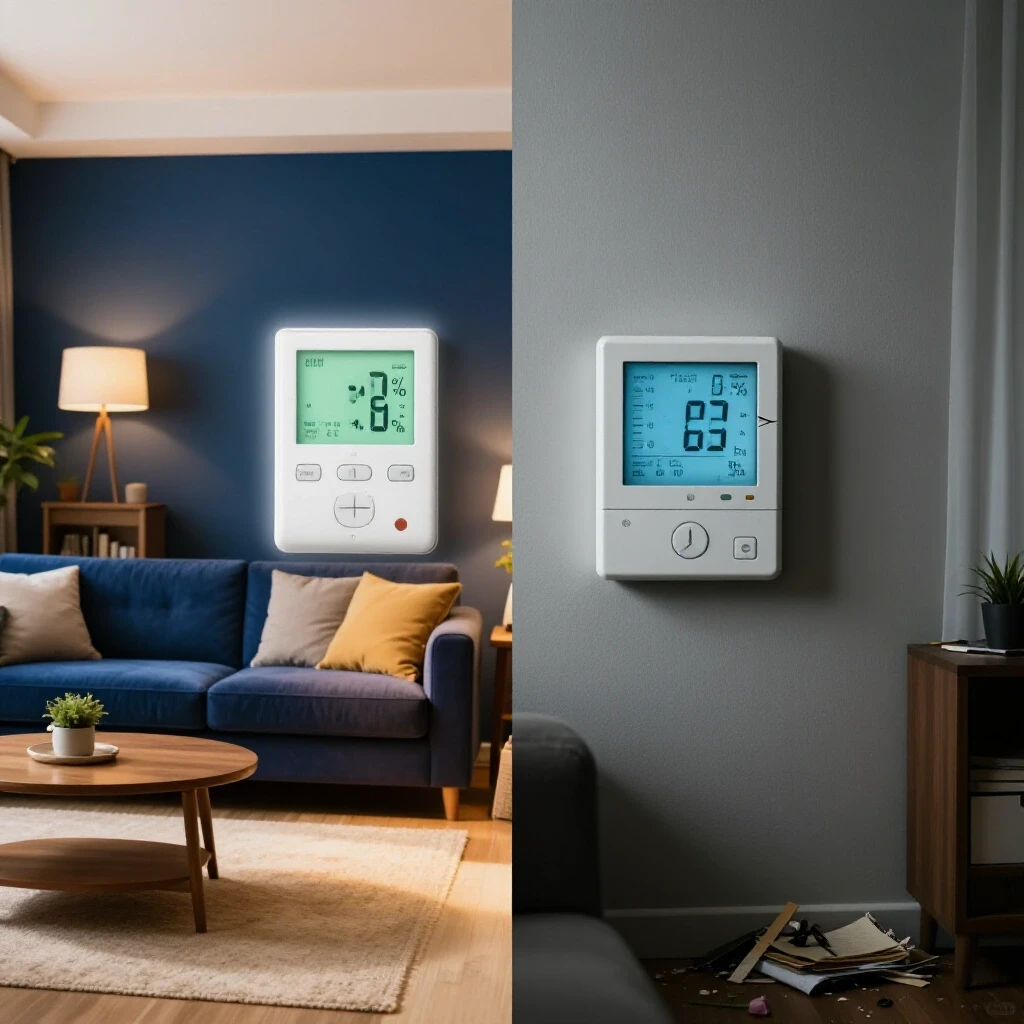
A central temperature controller acts as the primary interface between the occupant and the home’s mechanical heart. This device monitors ambient air conditions and sends low-voltage electrical signals to trigger heating or cooling cycles as needed. In older properties, keeping this unit functional is essential for preventing the rapid thermal expansion and contraction that can damage delicate plaster and wood finishes.
The Science of Electrical Resistance and Signal Flow
Electrical resistance refers to the force that slows down the flow of electrons through a conductive path, such as the copper wires behind your wall. In a standard 24-volt residential system, even a small amount of corrosion or a loose screw terminal can increase resistance enough to drop the voltage below the operational threshold. This prevents the signal from reaching the furnace or air conditioner, effectively “silencing” the communication between the controller and the equipment.
Thermal Lag and Building Envelope Dynamics
Thermal lag is the delay between a change in outdoor temperature and the subsequent change in the temperature of the home’s interior mass. Older homes with heavy masonry or thick timber frames have significant thermal lag, which means the control unit must be highly accurate to prevent “overshooting” the target temperature. If the sensor is coated in dust or blocked by furniture, it may miscalculate this lag, leading to inefficient cycles that waste energy and stress the mechanical components.
Essential Diagnostic Tools for Household Control Units
Proper diagnostic equipment allows a homeowner to verify electrical continuity and physical alignment without relying on guesswork. Using these tools ensures that you are addressing the actual source of a mechanical malfunction rather than replacing parts that are still functional. A systematic home maintenance checklist should always include a quick verification of these basic instruments before any repair begins.
- Digital Multimeter: This is the most critical tool for residential diagnostics. It allows you to measure the 24V AC output from the transformer and check for continuity across the baseplate terminals.
- Torpedo Level: Many older mercury-switch units rely on gravity to function correctly. A small level ensures the baseplate is perfectly horizontal, which is necessary for accurate temperature readings.
- Soft-Bristle Brush or Compressed Air: Dust is a major insulator. A gentle cleaning tool can remove debris from delicate bi-metal coils or electronic sensors without causing physical damage.
- Precision Screwdriver Set: Most terminal blocks use very small screws. Having the correct size prevents stripping the heads, which can make a simple wiring check impossible.
- Non-Contact Voltage Tester: This provides a secondary safety check to ensure no high-voltage lines are present behind the wall before you begin handling wires.
A Systematic Sequence for Evaluating System Failures
A logical, step-by-step approach to testing identifies the simplest issues first, such as power loss or sensor obstruction. This method prevents unnecessary disassembly and helps maintain the integrity of the home’s electrical interface while avoiding costly mistakes. By following a consistent troubleshooting path, you can narrow down the root cause of a non-responsive system within minutes.
Step 1: Power Source Verification
The first thing I check in any facility is the power supply. Many modern units use batteries as a primary or backup power source; if these are below 1.2 volts, the screen may light up, but the internal relays will not have enough strength to click over. If the unit is hardwired, check the “C” (common) wire with your multimeter to ensure it is delivering a steady 24 to 28 volts. If there is no power at the wall, the issue likely lies at the furnace transformer or a tripped breaker in the main panel.
Step 2: Physical Inspection and Cleaning
Building science teaches us that airflow is everything. If the vents on the top or bottom of your control unit are clogged with lint, the internal sensor will “heat up” from its own internal electronics, leading to a false high reading. Remove the faceplate and use compressed air to blow out any debris. While the cover is off, look for signs of “pitting” on metal contact points or any loose wires that may have vibrated out of their terminals over time.
Step 3: Terminal Jumping for Signal Testing
To determine if the problem is in the wall unit or the HVAC equipment itself, you can perform a brief bypass test. By using a small insulated jumper wire to connect the “R” (power) terminal to the “W” (heat) or “Y” (cool) terminal, you are manually sending the “on” signal. If the system starts immediately, you know the wiring and the furnace are fine, and the fault lies within the control unit’s internal logic or sensors.
| Symptom | Potential Root Cause | Diagnostic Action |
|---|---|---|
| Blank Display | Dead batteries or tripped breaker | Replace batteries; check 24V transformer |
| System Won’t Turn On | Loose wire at ‘R’ or ‘W’ terminal | Tighten terminal screws; check continuity |
| Constant Cycling | Heat anticipator misconfigured | Adjust mechanical slider or digital cycle rate |
| Temperature Mismatch | Unit is unlevel or in a draft | Check with level; seal hole behind baseplate |
| Fan Won’t Stop | ‘G’ wire shorted or ‘Auto’ setting off | Check fan switch position; inspect ‘G’ terminal |
Physical Maintenance and Environmental Calibration
Maintaining the physical condition of the control unit involves cleaning internal contacts and ensuring the device is correctly positioned within the home’s floor plan. Proper calibration ensures that the temperature reflected on the display matches the actual conditions in the living space. This prevents the system from running unnecessarily, which protects the structural integrity of the building by maintaining stable humidity levels.
Addressing the “Wall Hole” Effect
Interestingly, one of the most common causes of inaccurate readings in older homes is a simple hole in the drywall. When the control unit is mounted, a hole is drilled for the wires. This hole often acts as a tiny chimney, pulling unconditioned air from the wall cavity or basement directly onto the sensor. I always recommend sealing this hole with a small piece of removable putty or electrical tape to ensure the sensor is only reading the air in the room, not the air inside the walls.
Calibrating for Accuracy
If you notice that the house feels colder or warmer than the display indicates, you can verify the accuracy using a separate high-quality thermometer placed next to the unit. Let it sit for 20 minutes to stabilize. Many digital units allow for a “temperature offset” in the settings menu, usually up to +/- 5 degrees. Adjusting this ensures the system responds to the actual environment, which is a key part of preventative home care.
Long-Term Prevention and System Protection
A proactive approach to system care involves regular inspections and environmental controls to extend the life of the hardware. This prevents sudden failures that could lead to frozen pipes or excessive humidity levels in legacy properties. By integrating these checks into your seasonal home maintenance checklist, you can identify wear before it leads to a total system shutdown.
Preventative Maintenance Schedule
| Task | Frequency | Purpose |
|---|---|---|
| Battery Replacement | Every 12 Months | Prevents acidic leaks and power failure |
| Internal Dusting | Every 6 Months | Ensures sensor accuracy and prevents overheating |
| Terminal Screw Check | Every 2 Years | Prevents high-resistance connections from vibration |
| Level and Seal Verification | Once | Eliminates “wall hole” drafts and gravity errors |
| Cycle Rate Audit | Every Fall/Spring | Matches system run-time to seasonal demands |
Building on this schedule, it is vital to monitor the “swing” or “differential” settings. This determines how many degrees the temperature must drop before the heat kicks in. A swing that is too tight (e.g., 0.5 degrees) will cause the system to “short cycle,” which wears out the motor and significantly increases electrical consumption. Setting a wider swing of 1.5 to 2.0 degrees is often better for the longevity of older mechanical systems.
When to Transition from DIY to Specialized Assessment
While many issues can be resolved through systematic cleaning and wiring checks, there are points where the scope of the repair exceeds basic home maintenance. If you find that the 24V transformer has failed or if there is a short circuit buried deep within the walls, the repair moves from a control unit issue to a structural wiring problem.
I have found that if jumping the terminals (as described in Step 3) does not activate the system, the problem is likely a blown fuse on the furnace control board or a failed contactor. At this point, the focus shifts from the wall unit to the equipment in the attic or basement. Always ensure the power is completely off at the breaker before inspecting any internal furnace components, as these areas contain high-voltage 120V or 240V circuits that pose a significant safety risk.
Conclusion and Next Steps
Taking control of your home’s climate interface is a fundamental step in structural protection and moisture detection. By following a disciplined troubleshooting path, you can avoid the frustration of a cold house and the expense of unnecessary part replacements. Start today by simply removing your controller’s faceplate and checking for dust or loose wires. This five-minute inspection is the cornerstone of a well-maintained, durable home that will stand the test of time.
Frequently Asked Questions
Why does my display stay blank even after I put in new batteries? If new batteries do not restore the display, there may be a problem with the battery contact tabs. Over time, these small metal plates can become slightly bent or corroded. Gently cleaning them with a pencil eraser and ensuring they have a firm grip on the battery usually restores the connection.
Can a drafty window affect how my heater runs? Yes, if your control unit is located near a drafty window or an exterior door, it will “see” a much lower temperature than the rest of the house. This causes the system to run too long, leading to high bills and uneven heating. Moving the unit to an interior wall away from direct sunlight and drafts is the best fix.
What is a “heat anticipator” and do I need to adjust it? A heat anticipator is found in older mechanical units. It is a small adjustable slider that creates a tiny amount of internal heat to “trick” the unit into turning off slightly before the room reaches the target temperature. This prevents the heavy cast-iron radiators or large furnaces found in older homes from overshooting the desired heat level.
How do I know if my wiring is “low voltage” or “line voltage”? Most residential systems use thin, multi-colored low-voltage wires (like doorbell wire). If you see thick wires (12 or 14 gauge) secured with wire nuts, you likely have a line-voltage system common in electric baseboard heaters. Line-voltage systems are dangerous to work on without turning off the main breaker and require specific high-voltage controllers.
Why does my furnace click but never actually start blowing air? This often indicates that the control unit is successfully sending the signal, but the furnace is failing to ignite or the blower motor is stuck. Since the “click” confirms the wall unit is working, you should focus your residential diagnostics on the furnace’s ignition system or the capacitor on the blower motor.
Will a dirty air filter cause my wall unit to stop working? While a dirty filter won’t break the controller itself, it can cause the furnace to overheat and trip a “high-limit switch.” When this happens, the furnace will cut power to the 24V circuit as a safety measure, making it look like the wall unit has failed when the real issue is restricted airflow.
How often should I check the wiring terminals behind the plate? I recommend checking these every two years. The natural expansion and contraction of the home, combined with the slight vibration of the HVAC system, can cause the small screws to loosen over time. A quick turn with a precision screwdriver ensures a solid, low-resistance connection.
Why is my house always two degrees warmer than what I set on the dial? This is often due to the “differential” or “swing” setting. Many units are programmed to wait until the temperature is slightly above or below the set point to prevent the system from turning on and off too frequently. Check your manufacturer’s guide to see if this “swing” can be adjusted to a tighter range.
What should I do if I find “green” corrosion on the copper wires? Green corrosion (verdigris) indicates that moisture is getting to the wires, often from that “wall hole” draft we discussed. You should strip the wire back to expose clean copper, treat the terminals with a bit of electronic cleaner, and seal the hole in the wall to prevent future moisture intrusion.
Is it safe to use a vacuum cleaner to clean the inside of the unit? It is safer to use a soft brush or a can of compressed air. A vacuum cleaner can generate static electricity, which might damage the sensitive microchips in modern digital controllers. Always be gentle with the bi-metal coils in older units, as bending them will ruin the calibration.
(This article was written by one of our staff writers, Daniel Whitaker. Visit our Meet the Team page to learn more about the author and their expertise.)