How to Replace a Bathroom Light Switch Easily (Step-by-Step Guide)

I still remember the heavy, metallic click of the toggle switch in my grandmother’s hallway. It was a tactile part of my childhood, but by the time I bought my first fixer-upper, those same switches felt dated and grimy. As a facilities manager, I spend my days overseeing complex mechanical systems, but I’ve found that the most satisfying weekend DIY projects are often the smallest ones. Updating the hardware in a high-traffic area like a bathroom is a low-cost way to make a space feel modern and clean. It’s a project that fits perfectly into a busy professional’s Saturday morning, provided you respect the power behind the wall.
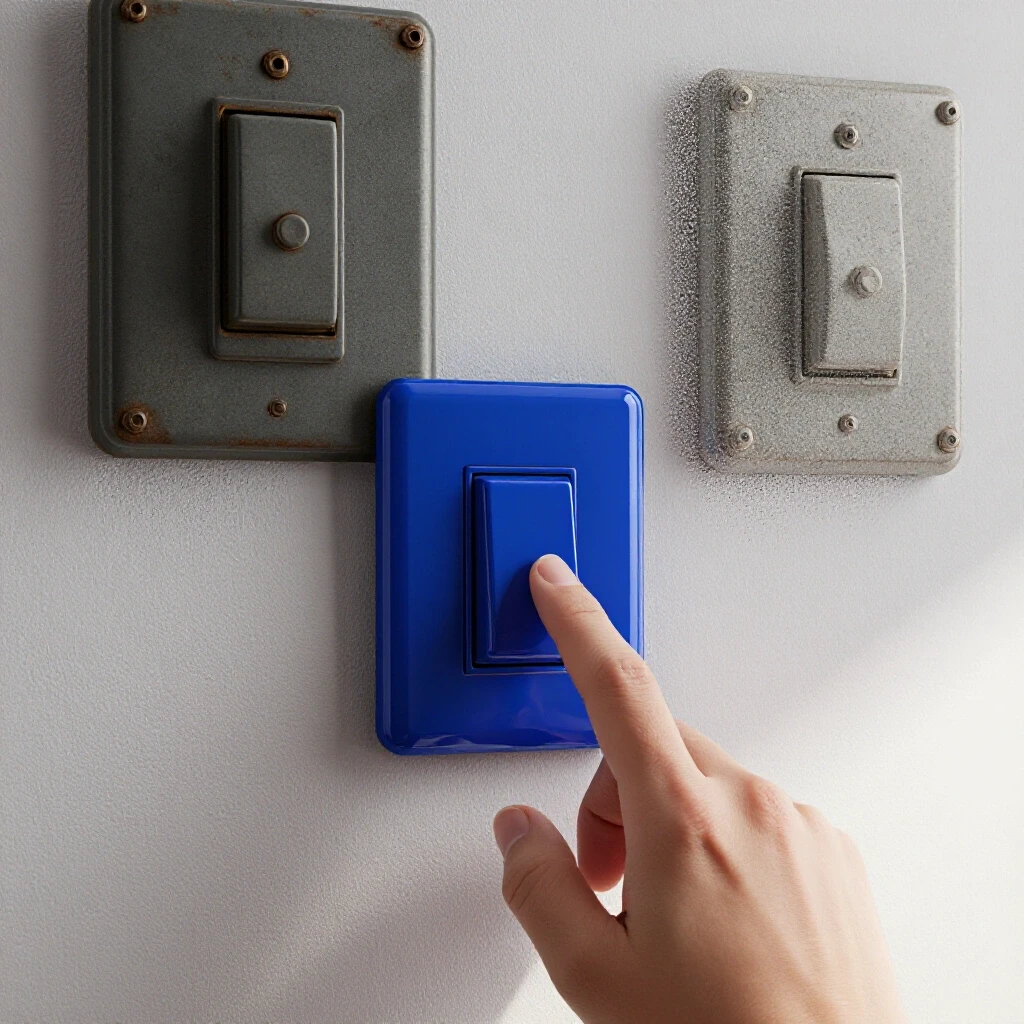
Understanding the Basics of Single-Pole Wall Controls
This section covers the fundamental mechanics of a standard on-off toggle or rocker used to control a light from one location. Before you touch a screwdriver, you must understand how a single-pole circuit functions to ensure a safe and successful update.
In my 12 years of maintaining residential and commercial properties, I’ve seen many homeowners get confused by what’s inside the wall box. A single-pole setup is the simplest form of home circuitry. It consists of two brass screws for the “hot” wires and a green screw for the ground. When the switch is “on,” it completes the path for electricity to flow to your light fixture. When it’s “off,” it breaks that path.
Many people worry about the “black” and “white” wires, but in a standard switch loop, you are primarily dealing with the “hot” leg of the circuit. According to the National Electrical Code (NEC), all modern installations must also be properly grounded. This means connecting the bare copper or green wire to the green terminal on your new device. This safety path ensures that if a wire comes loose, the electricity goes to the ground rather than through you.
Identifying Your Existing Hardware Type
This process involves verifying that your current setup is a single-location control rather than a multi-way system. You can usually tell by looking at the number of terminals on the device or how many switches control the same light.
If only one switch in your bathroom operates the overhead light, you have a single-pole system. If you have two switches at different doors controlling the same light, that is a three-way system, which is outside the scope of this basic update. I once spent an hour troubleshooting a “simple” swap only to realize the previous owner had used a three-way switch in a single-pole application. Always check the number of screw terminals on the side of the old device before you disconnect anything.
Essential Gear for Your Weekend Electrical Task
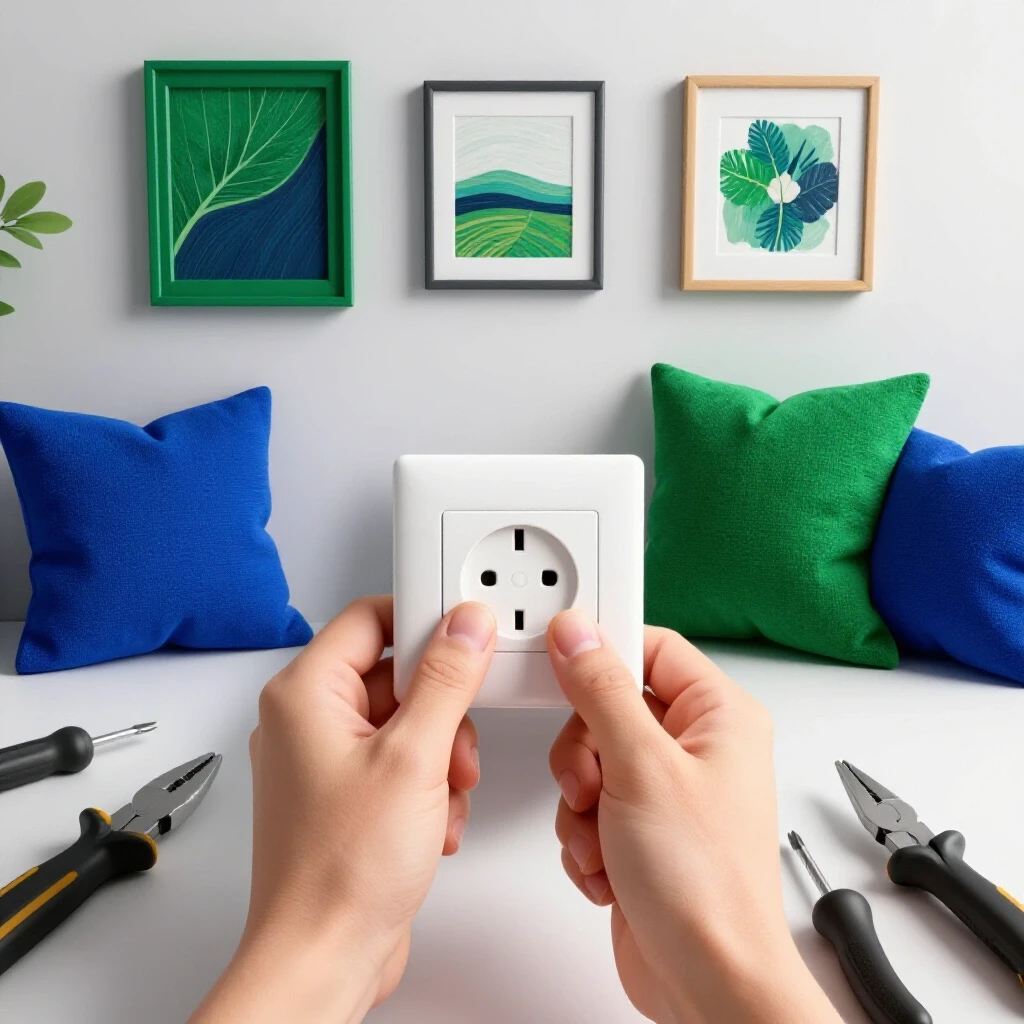
This list details the specific hand tools and safety equipment required to swap out a wall control device. Having the right tools on hand prevents mid-project trips to the hardware store and ensures connections are secure.
I’ve learned the hard way that using the wrong screwdriver can strip a terminal screw, turning a 20-minute job into a frustrating ordeal. In my facility maintenance kit, I always keep a dedicated set of insulated drivers. For a home project, you don’t need industrial-grade gear, but quality matters.
- Non-Contact Voltage Tester (NCVT): This is your most important safety tool. It detects electrical fields without touching bare wires.
- Phillips and Flat-Head Screwdrivers: You’ll need a #2 Phillips for the device screws and a flat-head for the decorative cover plate.
- Wire Strippers/Crimpers: Look for a pair that handles 12-gauge and 14-gauge solid copper wire.
- Needle-Nose Pliers: These are essential for bending the “J-hook” onto the wire ends so they wrap securely around terminal screws.
- Small Level: A pocket level helps ensure the switch sits straight before you tighten the final screws.
- Flashlight or Headlamp: Since you will be turning off the power, you’ll need a reliable light source to see into the dark wall box.
DIY vs. Professional Resource Analysis
This table compares the estimated investment of doing this update yourself versus the typical costs associated with professional labor.
| Feature | DIY Approach | Professional Service |
|---|---|---|
| Material Cost | $5 – $15 | $5 – $15 (plus markup) |
| Labor Cost | $0 | $75 – $150 (minimum call-out) |
| Time Investment | 30 – 60 minutes | 1 – 3 hour window for arrival |
| Tool Investment | $25 (one-time) | N/A |
| Skill Level | Beginner/Intermediate | Expert |
Preparing the Workspace and Ensuring Safety
This phase focuses on de-energizing the circuit and preparing the physical area to prevent accidents. Safety is the non-negotiable foundation of any step-by-step home upgrade involving electricity.
The first rule of any electrical task is to never trust a wall switch to be “off.” You must go to the main breaker panel. I usually label my breakers, but in older homes, those labels can be wrong. I recommend turning the light on, then flipping breakers until the light goes out. Once the light is off, I use my non-contact voltage tester on the wires inside the box just to be absolutely sure.
Interestingly, some bathrooms share circuits with nearby bedrooms or hallways. Always test every wire in the box, not just the ones attached to the switch you are replacing. This prevents “phantom” shocks from a separate circuit passing through the same junction box.
Step-by-Step Power Verification
This involves using diagnostic tools to confirm that no live current remains in the wires you are about to handle. This step follows the “test-before-touch” protocol used by professional technicians.
- Turn the bathroom light to the “ON” position.
- Locate your breaker panel and flip the corresponding switch to “OFF.”
- Verify the light has turned off in the bathroom.
- Remove the cover plate and use the NCVT near the side terminals of the switch.
- If the tester chirps or glows red, the power is still on. If it stays silent, it is safe to proceed.
Executing the Hardware Replacement
This section provides the core instructions for removing the old device and installing the new one. Following a specific sequence ensures the wires are handled gently and connections remain tight.
Once the power is confirmed off, unscrew the two long screws holding the switch to the wall box. Gently pull the switch out by the metal mounting tabs. I’ve seen many DIYers pull too hard and snap old, brittle copper wires. Take your time. Observe how the wires are currently attached. Usually, there will be two black wires (or one black and one red) on the brass screws and a bare copper wire on the green screw.
Removing the Old Connections
This involves loosening the terminal screws and detaching the wires without damaging the copper conductors. Building on this, you should inspect the wire ends for any signs of heat damage or corrosion.
Loosen the screws until the wire loops can be slipped off. If the wires are “back-stabbed” (pushed into small holes in the back), you may need to insert a small flat-head screwdriver into the release slot. However, I always recommend using the side-terminal screws for new installations. Research from various safety associations suggests that screw-down connections are more vibration-resistant and provide a better electrical bond than back-stabbing.
Wiring the New Device
This step details the physical attachment of the wires to the new hardware. Proper “J-hook” orientation is a small detail that makes a significant difference in long-term safety.
- Prepare the wires: If the ends are nicked or bent out of shape, use your strippers to cut them back and strip off about 3/4 inch of insulation.
- Create the hooks: Use needle-nose pliers to bend the bare copper into a “U” or “J” shape.
- Attach the ground: Loop the bare copper wire around the green screw. Ensure the hook opens to the right (clockwise).
- Attach the hot wires: Loop the remaining two wires around the brass screws. Since this is a single-pole switch, it doesn’t matter which black wire goes to which brass screw.
- Tighten the screws: Ensure the wire loop is tucked under the screw head and tighten firmly. The hook should wrap clockwise so that tightening the screw pulls the wire tighter rather than pushing it out.
Final Assembly and Testing Procedures
This concluding phase involves nesting the wires back into the box and restoring power. Proper alignment and a final safety check ensure the project is functional and aesthetically pleasing.
Folding the wires back into the box is often the hardest part of the job. I like to fold them in an “accordion” fashion to prevent them from kinking or pressing too hard against the back of the box. Once the switch is seated, use your level to make sure it’s straight before tightening the mounting screws. If the wall is uneven, don’t over-tighten the cover plate, or you might crack the plastic.
Restoring Power and Quality Control
This involves a final check of the mechanical action and electrical function. It is the moment where you verify that your weekend DIY project was successful.
Go back to the breaker panel and flip the circuit back to “ON.” Return to the bathroom and flip the switch. The light should respond immediately. If there is any flickering or a “popping” sound, turn the breaker off immediately; this indicates a loose connection or a short circuit. In my experience, 90% of failures in these safe home repairs come from loose terminal screws.
Troubleshooting Common Hurdles
This section addresses typical issues encountered during a hardware swap, such as short wires or stripped screw holes. These solutions are based on common manufacturer technical guides and facility maintenance standards.
Sometimes you’ll find that the wires in the wall are too short to work with comfortably. In these cases, you can add “pigtails.” This involves taking a 6-inch piece of new wire, connecting it to the old wire with a wire nut (rated for the correct wire gauge), and then connecting the new end to the switch. This is a code-compliant way to extend your reach without pulling new cables through the wall.
Another common issue is a stripped screw hole in the plastic or metal wall box. If the mounting screw won’t grab, you can use a “G-clip” or a slightly larger gauge screw designed for electrical boxes. Never use tape to hold a switch in place; it must be mechanically secured to the box to maintain a safe ground path.
Maintenance and Long-Term Care
This details how to keep your new hardware functioning properly over time. Simple cleaning and occasional checks can prevent the need for future repairs.
- Cleaning: Use a damp (not wet) microfiber cloth to wipe the plate. Avoid spraying cleaners directly onto the switch to prevent liquid from entering the internal mechanism.
- Inspection: If the switch ever feels “mushy” or warm to the touch, it’s time to replace it. These are signs of internal wear or arcing.
- Secureness: If the switch starts to wiggle, remove the cover plate and tighten the mounting screws. A loose switch can eventually lead to wire fatigue.
Project Planning Checklist
Use this checklist to ensure you have everything prepared before you begin your bathroom hardware update.
- [ ] New single-pole switch (toggle or rocker style).
- [ ] Matching decorative cover plate.
- [ ] Non-contact voltage tester with working batteries.
- [ ] Flashlight or headlamp.
- [ ] Screwdrivers (Phillips and Flat-head).
- [ ] Wire strippers and needle-nose pliers.
- [ ] 30-60 minutes of uninterrupted time.
- [ ] Access to the main breaker panel.
By taking a methodical approach to this upgrade, you save money and gain the peace of mind that comes from knowing the job was done correctly. These small victories are what make DIY home improvement so rewarding for busy professionals. You don’t need a massive renovation to improve your daily life; sometimes, a clean, modern switch is all it takes to brighten up your morning routine.
Frequently Asked Questions
Does it matter which wire goes to which brass screw on a single-pole switch?
No, on a standard single-pole switch, the two brass terminals are interchangeable. The switch simply acts as a bridge. As long as the two “hot” wires are on the brass screws and the ground wire is on the green screw, the circuit will function correctly.
Why does my new switch feel warm when the lights are on?
A switch should not feel hot. If it feels warm, it may be overloaded or have a loose wire connection causing resistance. Ensure your light bulbs do not exceed the wattage rating of the fixture and that your terminal screws are tightened to approximately 12 to 14 inch-pounds of torque.
What should I do if my wall box doesn’t have a ground wire?
In many older homes built before the 1960s, there may not be a dedicated green or bare copper ground wire. In this case, if the box is metal and fed by armored cable, the box itself might be grounded. If there is no ground available, the NEC allows for certain exceptions, but for the highest safety, you should consult a professional or install a GFCI-protected circuit.
Can I use a switch rated for 15 amps on a 20-amp circuit?
No, you should always match the switch rating to the circuit breaker. If your bathroom is on a 20-amp breaker (common in modern homes), you should use a 20-amp rated switch. Using a lower-rated switch can lead to overheating and premature failure.
Why is there a white wire attached to my old switch?
In some “switch loop” configurations, a white wire is used as a hot wire. According to code, this white wire should be marked with black or red electrical tape to indicate it is carrying power. If you see a white wire on a switch, treat it as a hot wire, not a neutral.
How tight should the terminal screws be?
The screws should be “snug plus a quarter turn.” You want the wire to be immobilized and compressed slightly under the screw head. Do not over-tighten to the point where you deform the plastic housing of the switch or snap the screw.
What is the difference between a “pro-grade” and “residential-grade” switch?
Pro-grade or commercial-grade switches are built with thicker metal straps and higher-quality internal contacts. For a high-use area like a bathroom, spending the extra $2 for a commercial-grade device is a smart investment as it will last significantly longer than the cheapest “contractor pack” options.
My new switch is upside down; how do I fix it?
Most switches have “Top” or “Up” stamped on the metal mounting strap. If the light is on when the toggle is down, simply turn off the power, unscrew the switch from the box, rotate it 180 degrees, and re-mount it. You do not need to disconnect the wires to do this.
(This article was written by one of our staff writers, Robert Callahan. Visit our Meet the Team page to learn more about the author and their expertise.)