How to Build a Home Charging Station for Cord Organization (Guide)

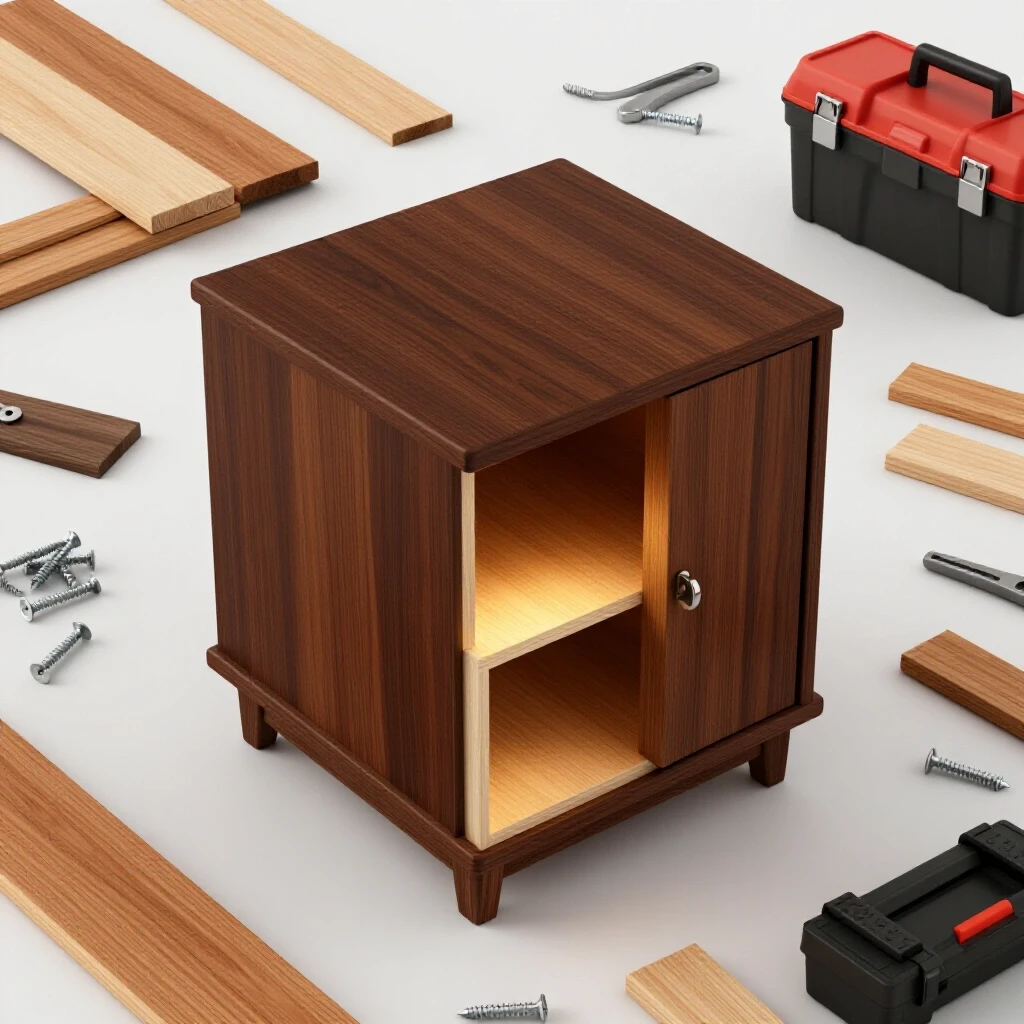
Blending functional technology with your home’s aesthetic often feels like a constant battle between convenience and clutter. In my twelve years managing commercial facilities, I have learned that if you do not design a space for cables, the cables will design the space for you, usually in a tangled mess of “cord creep.” Bringing that professional mindset home means creating a dedicated hub where devices can power up without turning your kitchen counter or nightstand into a chaotic bird’s nest of plastic and copper.
I remember my first attempt at organizing our family’s handheld electronics. I bought a cheap plastic bin, cut some jagged holes in the side, and shoved a power strip inside. Within a week, the heat from three tablet “bricks” and two phone chargers had softened the plastic, and the clutter just moved from the counter to the top of the box. It was a failure of both ventilation and design. Since then, I have approached these weekend projects with the same rigor I use for code-compliant facility upgrades: focusing on airflow, material durability, and accessibility.
Planning Your Integrated Device Management Hub
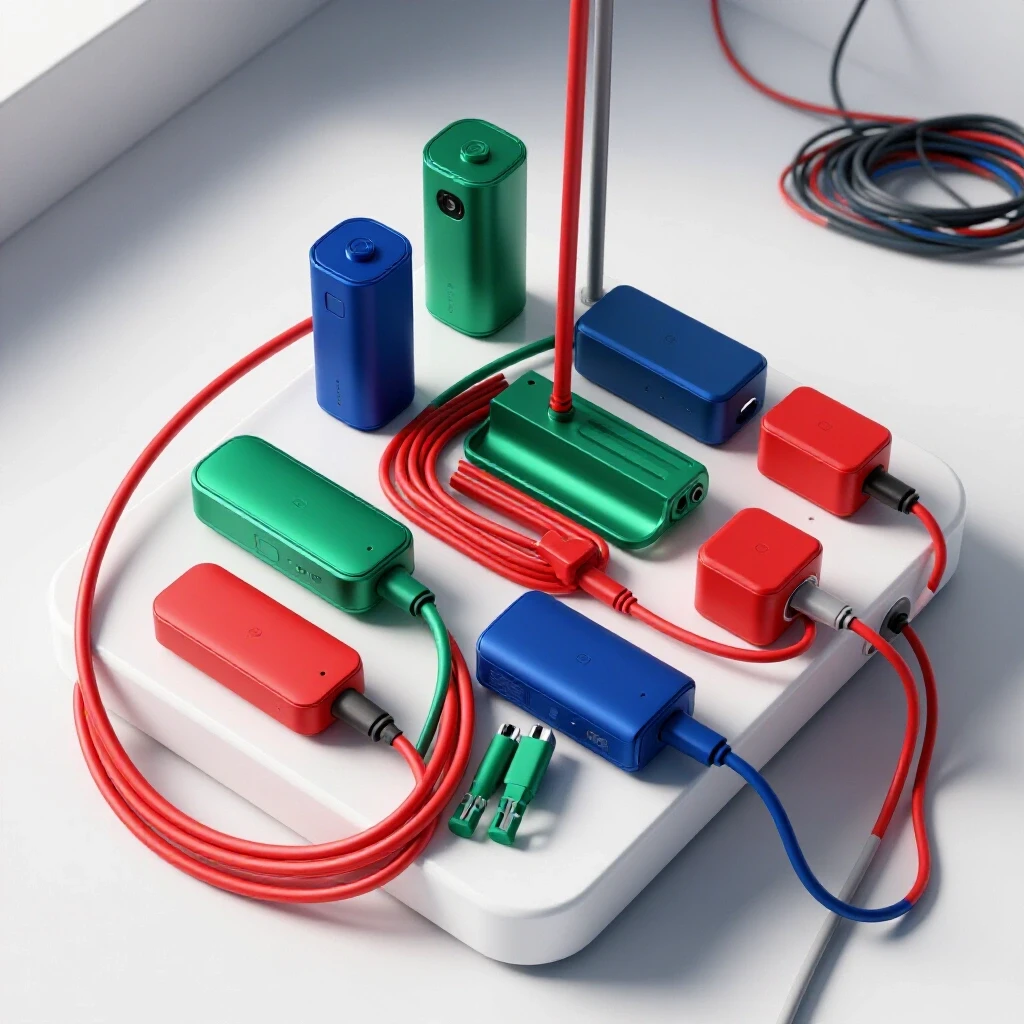
Strategic planning involves assessing device count, heat output, and location to ensure the final project fits your lifestyle and safety standards. You must determine where the power enters the container and how the individual leads will exit to reach your phones or tablets. Proper planning prevents the common mistake of building a box that is too small for modern, oversized power adapters.
Assessing Spatial and Power Requirements
Measuring the footprint of your devices and power strips ensures the container accommodates everything without overcrowding. You need to account for the “bend radius” of your cables; forcing a USB cord into a tight 90-degree angle can cause internal wire fatigue over time. A common error is failing to measure the largest power brick you own, which often results in a lid that won’t close.
In my experience, the most successful projects start with a physical layout. I place my power strip on a workbench and plug in every adapter I plan to use. This “footprint test” reveals exactly how much internal volume you need. If you are using a wooden box or a repurposed valet, ensure there is at least two inches of clearance above the tallest plug to allow for heat dissipation.
| Project Phase | Active Time | Total Weekend Blocks | Difficulty (1-10) |
|---|---|---|---|
| Planning & Layout | 1 Hour | 0.5 Blocks | 2 |
| Container Modification | 2 Hours | 1 Block | 5 |
| Finishing & Lining | 1.5 Hours | 1 Block | 3 |
| Assembly & Testing | 1 Hour | 0.5 Blocks | 2 |
Essential Gear and Material Selection
A curated list of tools and supplies is needed to modify containers or build custom surfaces for streamlined device management. Choosing the right materials is not just about looks; it is about choosing substrates that can handle the minor heat generated by transformers while remaining easy to clean and maintain in a high-traffic area.
The Core Toolset for Modification
Basic manual and power tools like drills, hole saws, and measuring tapes are necessary for creating clean entry and exit points for cables. Using the wrong drill bit can splinter thin wood or crack plastic, turning a quick weekend project into a frustrating trip back to the hardware store. I always recommend testing your bits on a scrap piece of the same material first.
- Cordless Drill: A 12V or 18V drill with variable speed control is essential for precision.
- Hole Saw Kit: Specifically a 1-inch or 1.5-inch diameter saw for the main power entry.
- Forstner Bits: These create clean, flat-bottomed holes for individual USB cable exits.
- Wood Glue: Look for a Type II water-resistant glue if the hub will be in a kitchen.
- Clamps: At least two 6-inch bar clamps to hold pieces steady during drilling or gluing.
- Sandpaper: A variety pack of 80, 120, and 220 grit for smoothing out cut edges.
- Multimeter: Useful for verifying that your power strip is functioning correctly before installation.
Material Selection and Load Tolerances
Selecting a sturdy container, whether it is a repurposed wooden crate or a custom-built oak box, requires checking for structural integrity. Wood is an excellent insulator and offers a classic look, but it requires more prep work than plastic. If you use fabric liners, ensure they are made of natural fibers like cotton, which handle heat better than synthetics that might melt against a hot transformer.
- Wood Thickness: Minimum 3/8 inch to prevent warping from the weight of multiple devices.
- Weight Capacity: Ensure the surface can support at least 5 pounds of electronics.
- Adhesive Cure Time: Standard wood glue requires 30 minutes of clamping and 24 hours for a full cure.
- Ventilation Gap: Aim for at least 1/4 inch of airflow around the rear or bottom of the container.
Safety Standards and Thermal Management
Understanding how electricity generates heat is vital when enclosing power strips and adapters in small, decorative containers. While we are not altering the home’s permanent wiring, we are creating an enclosure for “utilization equipment.” Following basic principles found in the National Electrical Code (NEC) regarding airflow can prevent accidental fires or equipment failure.
Preventing Overheating in Enclosed Spaces
Proper airflow prevents the buildup of thermal energy, which can damage batteries or create fire hazards in DIY projects. Every transformer (the “brick” on your cord) converts some electricity into heat. If you pack five of these into a sealed wooden box, the internal temperature can rise quickly, shortening the lifespan of your expensive phone batteries.
When I manage commercial server rooms, we calculate “heat load” per square foot. For a home-scale project, the rule of thumb is simple: never block the vents on a power strip and always provide an “exhaust” hole. I like to drill a series of small 1/4-inch holes in the bottom of my boxes and larger 1-inch holes at the top. This creates a natural chimney effect, pulling cool air in from the bottom as warm air rises out the top.
Code-Compliant Cord Management
Even though this is a portable project, safety guidelines from the National Fire Protection Association (NFPA) suggest that flexible cords should not be pinched or fastened to building surfaces. Ensure your power hub’s main cord is not crushed against the wall by furniture. I always use a power strip with an integrated circuit breaker; this provides a secondary layer of protection if a device malfunctions inside your custom enclosure.
Step-by-Step Construction of the Desktop Hub
A sequential process for modifying a wooden box or creating a custom valet to hide cables and support multiple devices. This phase moves from the “dry-fit” stage to the final assembly. Accuracy here ensures that the cords don’t just look better, but that they are actually easier to plug and unplug during your daily routine.
Preparing the Container and Marking Access Points
Marking and cutting access points for the main power cord and individual device leads is the most critical physical step. I use painter’s tape to mark my drill sites; this prevents the wood from splintering and gives me a clear surface to draw my measurements on. Always double-check the diameter of the plug end of your power strip before drilling your entry hole.
Interestingly, many DIYers forget that the plug is much larger than the cord itself. I once spent two hours finishing a beautiful mahogany box only to realize I had drilled a hole sized for the wire, not the three-prong plug. I had to cut the cord and wire a new plug on, which is a step I prefer my readers avoid. Measure the widest part of the plug and add 1/8 inch for clearance.
Executing the Cuts and Sanding
Once marked, use your hole saw at a medium speed. If you go too fast, you risk burning the wood; too slow, and the saw might “grab” and twist your wrist. After the holes are cut, use 120-grit sandpaper to smooth the interior edges. This is not just for looks—smooth edges prevent the insulation on your charging cables from being chafed or cut as you pull them through the openings.
Finishing and Lining for Device Protection
Sanding rough edges and adding protective fabric or felt prevents scratching devices when they are resting on the hub. I prefer using adhesive-backed felt or cork for the top surface. It provides a non-slip grip so your phone doesn’t slide off when it vibrates with a notification. If you are painting the box, allow the finish to “outgas” for at least 48 hours before placing electronics inside, as some paint fumes can react with plastic phone cases.
| Finish Type | Dry Time (To Touch) | Full Cure Time | Best Use Case |
|---|---|---|---|
| Water-Based Poly | 2 Hours | 24 Hours | High-traffic counters |
| Spray Paint | 30 Minutes | 48 Hours | Decorative accents |
| Natural Wax | 15 Minutes | 2 Hours | Low-heat, rustic look |
| Wood Glue | 30 Minutes | 24 Hours | Structural joints |
Troubleshooting and Quality Control
Identifying and fixing issues like cable slippage, inadequate weight distribution, or poor accessibility ensures long-term satisfaction. Even the best-planned project might need a “version 1.1” adjustment. If you find your cables are constantly falling back inside the box when unplugged, you need a simple retention system, such as a small rubber grommet or a weighted cable clip.
Solving the “Slipping Cable” Problem
One of the most common frustrations is the charging cable disappearing into the dark recesses of the box the moment you unplug your phone. To fix this, you can install “cord collars” or even use simple binder clips on the inside of the exit hole. This keeps the head of the cable right where you need it. In my own home hub, I used small leather loops screwed into the back of the box to hold each cord in its own dedicated lane.
Stability and Weight Management
If your hub is lightweight and you have several heavy cords hanging off the back, the whole unit might tip over. This is a safety hazard and a nuisance. You can solve this by adding “ballast”—I have used adhesive-backed lead weights or even a heavy piece of scrap steel glued to the bottom of the container. Ensuring the unit stays planted on the table prevents devices from crashing to the floor.
Final Assembly and Testing Protocol
Before you put your new organization system into service, you must perform a “load test.” Plug in all the devices you expect to charge simultaneously and let them run for an hour. Check the internal temperature by hand; it should feel warm, like a cup of coffee, but never hot enough to be uncomfortable to touch.
If the box feels excessively hot, you must add more ventilation. This is the “maintenance” mindset: watching for failures before they become problems. Once you are satisfied with the thermal performance, organize the internal cables using hook-and-loop straps rather than plastic zip ties. Zip ties can be overtightened, potentially damaging the thin wires inside modern charging cables.
Conclusion and Next Steps
Building a custom solution for your device power needs is a rewarding weekend project that solves a daily annoyance. By focusing on ventilation, using the right tools for clean cuts, and planning for the physical size of your adapters, you create a safe and functional upgrade. Your next step is to gather your devices, measure your power strip, and select a container that complements your room. Start with the “footprint test” today, and by Sunday evening, you can enjoy a clutter-free space that works as hard as you do.
Frequently Asked Questions
Can I use any wooden box for this project?
Most wooden boxes work, but you should avoid those with heavy lead-based paints or finishes that might smell when warmed. Ensure the wood is at least 3/8 inch thick to handle the drilling process without splitting.
How do I prevent the box from overheating?
Ventilation is the key. Always drill at least one large entry hole (1.5 inches) and several smaller “exhaust” holes (1/4 inch) near the top. Never stack power adapters directly on top of each other; give them space to breathe.
Is it safe to leave chargers plugged in inside a box?
Yes, provided there is adequate airflow. Modern chargers have internal safety shut-offs, but they still generate heat. Following the ventilation tips in this guide keeps that heat within safe operating margins.
What is the best tool for cutting holes in thin wood?
A Forstner bit is superior to a standard spade bit because it shears the wood fibers at the edge, resulting in a much cleaner hole with no splintering on the exit side.
How do I stop my phone from sliding off the top?
Applying a thin layer of cork, adhesive felt, or even a few dots of clear silicone caulk can provide the necessary friction to keep devices secure.
Can I run the main power cord through a wall?
No. According to NEC 400.8, flexible power cords should not be run through holes in walls, ceilings, or floors. The power hub should be plugged directly into a visible wall outlet.
How many devices can I safely charge in one hub?
This depends on your power strip’s rating. Most home power strips are rated for 15 amps. Since most phone chargers pull less than 0.5 amps, you are generally limited by physical space rather than electrical capacity.
What should I do if the box smells like burning plastic?
Unplug the main power cord immediately. This indicates either a failing power adapter or insufficient ventilation. Inspect the components for discoloration and increase the number of ventilation holes before reusing.
Do I need to be a woodworking expert?
Not at all. This project is rated a 5 out of 10 for difficulty. If you can use a cordless drill and a measuring tape, you can successfully complete this upgrade in a few hours.
Why shouldn’t I use a plastic bin?
Plastic is a poor heat conductor and can warp or off-gas when exposed to the constant warmth of power adapters. Wood or metal are much safer and more durable choices for long-term use.
(This article was written by one of our staff writers, Robert Callahan. Visit our Meet the Team page to learn more about the author and their expertise.)